
Building Real-Time Apps with Ionic and Firebase: Everything You Need to Know
Ionic and Firebase
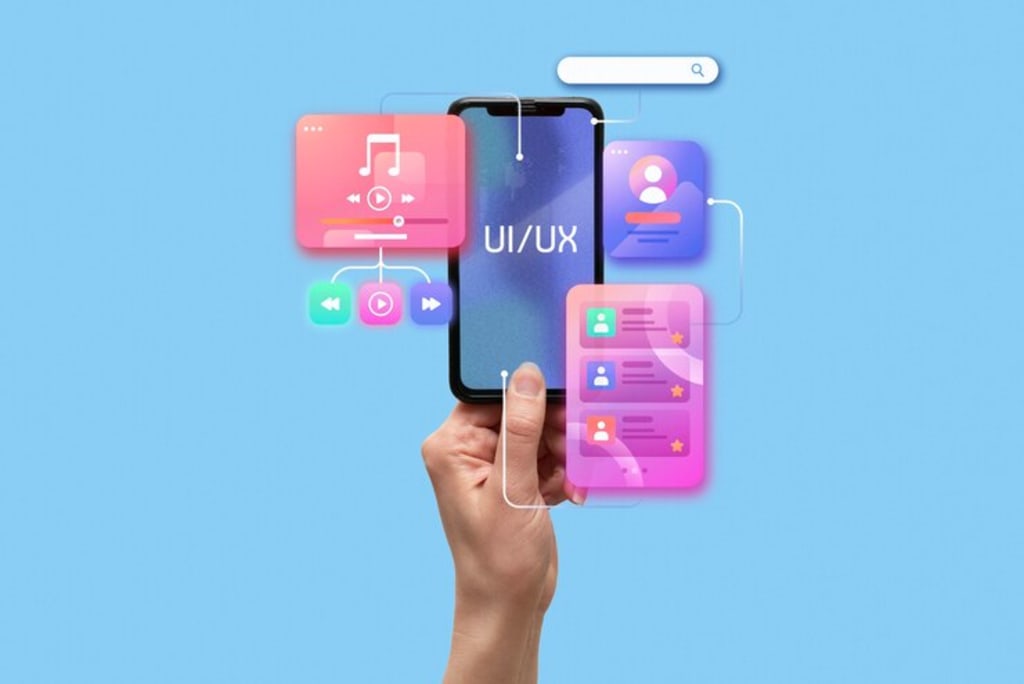
The demand for real-time applications has skyrocketed in recent years, with businesses and developers striving to create seamless user experiences. Technologies like Ionic and Firebase provide a powerful combination for building fast, scalable, and interactive mobile applications. Whether you're developing chat applications, live notifications, or collaborative tools, integrating Ionic with Firebase can significantly enhance your app’s capabilities.
In this guide, we will explore how to build a Mobile App with Ionic and Firebase, highlighting the key features, benefits, and steps to integrate real-time functionalities effectively.
Why Use Ionic and Firebase for Real-Time Apps?
Ionic: A Robust Framework for Cross-Platform Development
Ionic is a popular open-source framework that enables developers to build high-performance mobile applications using web technologies such as HTML, CSS, and JavaScript. It allows developers to write a single codebase and deploy applications on multiple platforms, including Android, iOS, and the web.
Firebase: A Powerful Backend for Real-Time Applications
Firebase, developed by Google, provides a suite of backend services, including real-time databases, authentication, cloud storage, and hosting. The Firebase Realtime Database and Firestore enable developers to sync data instantly across all connected devices, making it ideal for building real-time applications.
Combining Ionic and Firebase allows developers to create feature-rich applications without worrying about backend infrastructure and server management.
Step-by-Step Guide to Building a Mobile App with Ionic and Firebase
Step 1: Setting Up Your Development Environment
Ensure you have Node.js, npm, Ionic CLI, and Firebase CLI installed to get started with development.
Step 2: Creating an Ionic Project
Start a new Ionic project and configure it for real-time functionalities.
Step 3: Integrating Firebase
Set up Firebase in the Firebase Console, configure the required settings, and install necessary dependencies.
Step 4: Implementing Firebase Realtime Database
Enable Firebase Realtime Database and define appropriate read and write rules for data synchronization.
Step 5: Implementing Firebase Authentication
Enable authentication providers in Firebase Console and configure authentication in the Ionic application.
Step 6: Implementing Real-Time Features
Implement features like real-time chat, live notifications, and other functionalities using Firebase services.
Step 7: Deploying the App
Deploy the application using Firebase Hosting to make it accessible to users.
Benefits of Using Ionic and Firebase for Real-Time Apps
1. Real-Time Synchronization
Firebase Realtime Database ensures that data updates instantly across all connected devices.
2. Cross-Platform Compatibility
Ionic allows developers to create a single codebase that runs on both iOS and Android, reducing development effort.
3. Scalability and Security
Firebase provides robust security rules and automatic scaling based on user demand.
4. Ease of Deployment
With Firebase Hosting, developers can deploy applications with a single command.
5. Cost-Effective
Firebase’s free-tier plan is suitable for small-scale projects and startups.
FAQs: Frequently Asked Questions
Q1. What kind of applications can I build with Ionic and Firebase?
You can build chat apps, live notifications, collaborative tools, and interactive dashboards using this technology stack.
Q2. Is Firebase Realtime Database different from Firestore?
Yes, Firebase Realtime Database is optimized for real-time syncing, while Firestore provides more structured querying capabilities.
Q3. Can I use Firebase Authentication with third-party providers?
Yes, Firebase Authentication supports Google, Facebook, Twitter, and more for easy user sign-in.
Q4. How do I handle offline data in Firebase?
Firebase Firestore provides offline persistence, allowing users to access cached data when offline.
Q5. Is Ionic suitable for enterprise-level applications?
Yes, Ionic is highly scalable and is used by many enterprises for developing mobile applications.
Conclusion
Building a Mobile App with Ionic and Firebase enables developers to create real-time applications with minimal backend complexity. With features like real-time database synchronization, authentication, cloud storage, and push notifications, Firebase significantly enhances the capabilities of Ionic apps.
For those looking to master mobile app development, EasyShiksha.com offers comprehensive courses on Ionic and Firebase. Enroll today and start building high-performance real-time applications!
About the Creator
Enjoyed the story? Support the Creator.
Subscribe for free to receive all their stories in your feed.
Comments
There are no comments for this story
Be the first to respond and start the conversation.