
Understanding Binary Converter Tools and How They Work
Discover how a binary converter works, explore binary-to-decimal and hexadecimal conversions, and learn how online tools simplify number conversion.

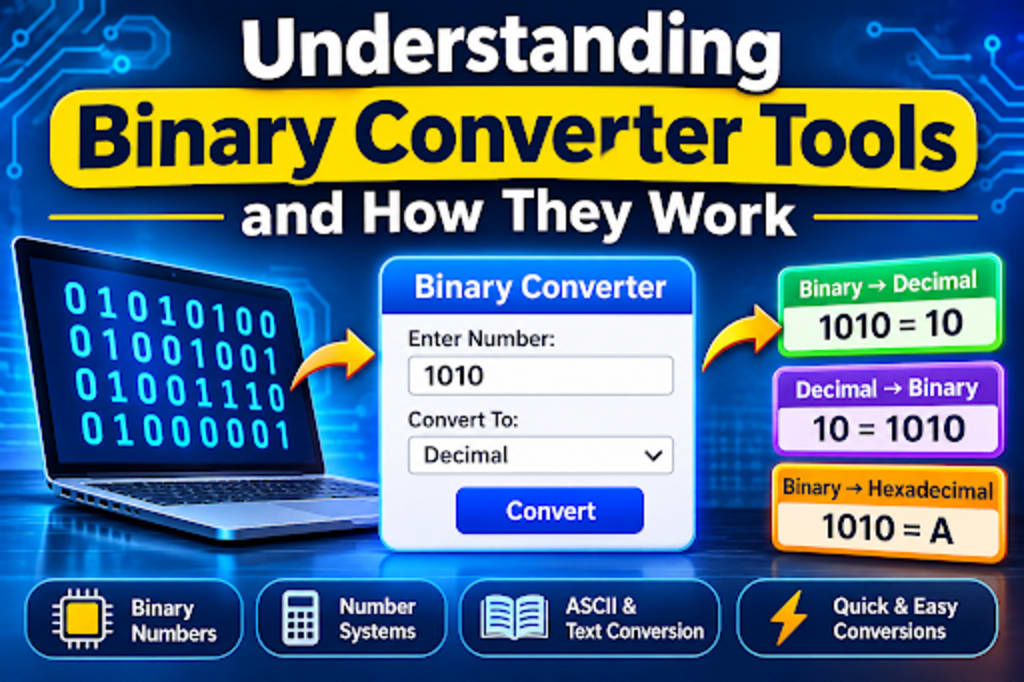
Computers use binary code to store, process, and share information, but reading long sequences of zeros and ones can be difficult for people. A binary converter makes this task easier by changing binary numbers into formats that people can understand, such as decimal values and readable text. These tools are useful for students, programmers, teachers, and anyone interested in learning how digital technology works.
Binary conversion is an important part of computer science because almost every digital device depends on numerical data. From simple calculations to complex software operations, computers rely on different number systems to handle information. Learning how conversion tools work can help beginners understand these systems and make everyday computing tasks easier.
What Is a Binary Converter?
A binary converter is an online tool or software feature that changes numbers from one number system into another. It commonly supports binary, decimal, hexadecimal, and sometimes octal formats. Instead of performing every calculation manually, users can enter a value and receive the converted result within seconds.
For example, the binary number 1010 is equal to decimal 10. A conversion tool can identify this relationship automatically and display the answer without requiring users to calculate each place value.
These tools are helpful for:
Students learning computer science and mathematics.
Programmers working with different number systems.
Teachers preparing practical coding lessons.
Beginners exploring digital technology.
Users who need quick and accurate number conversions.
How Binary Numbers Work
Binary is a base-2 number system that uses only two digits: 0 and 1. Unlike the decimal system, which uses ten digits, binary represents values through powers of two.
Each position has a specific value. Starting from the right, the positions represent 1, 2, 4, 8, 16, and so on.
Consider the binary number 1101:
1 × 8 = 8
1 × 4 = 4
0 × 2 = 0
1 × 1 = 1
Adding these values gives 13. Therefore, binary 1101 represents decimal 13.
Understanding this simple calculation helps users learn how computers represent numerical information.
How a Binary Converter Works
A conversion tool follows mathematical rules to change a value from one number system into another. When someone enters a binary number, the tool reads each digit and calculates its decimal equivalent using the correct place values.
For binary-to-decimal conversion, each digit is multiplied by its corresponding power of two. The results are then added together to produce the final number.
For decimal-to-binary conversion, the process works in reverse. The decimal value is repeatedly divided by two, and the remainders are recorded. Reading those remainders from bottom to top produces the binary result.
Modern online tools perform these calculations automatically, saving time and reducing common calculation mistakes.
Common Types of Binary Conversion
Different conversion types serve different purposes. Understanding them helps users select the right format for their tasks.
Binary to Decimal
This conversion changes base-2 values into base-10 numbers. For example, binary 1001 equals decimal 9. It is useful when people need to understand binary values using familiar numbers.
Decimal to Binary
This process changes ordinary decimal numbers into combinations of zeros and ones. For example, decimal 12 becomes binary 1100. Students often practise this conversion when learning number systems.
Binary to Text
Binary data can also represent letters, numbers, and symbols. Character encoding standards such as ASCII assign numerical values to characters. For example, the eight-bit binary value 01001000 represents the letter H in ASCII.
Binary to Hexadecimal
Hexadecimal uses sixteen symbols, including numbers from 0 to 9 and letters from A to F. Each hexadecimal digit represents four binary bits. This makes hexadecimal useful for displaying long binary sequences in a shorter format.
Binary Converter vs. Binary Translator
Although these terms are closely related, they can describe slightly different functions.
A binary converter generally focuses on changing numerical values between systems, such as binary, decimal, and hexadecimal. A binary translator usually focuses on converting binary sequences into readable text and changing text back into binary.
For example, someone working with a mathematical problem may need a number conversion feature. However, someone trying to read an encoded message may prefer a binary translator.
Both tools help users understand digital information, and their functions can overlap depending on the features offered.
Why Online Binary Conversion Tools Are Useful
Online conversion tools make learning and working with number systems more convenient. Users do not need advanced programming knowledge or complicated software to perform basic conversions.
Some important benefits include:
Quick results: Convert values without lengthy manual calculations.
Easy learning: Compare different number systems using simple examples.
Fewer mistakes: Automatic calculations reduce errors in repetitive tasks.
Convenient access: Browser-based tools can work across different devices.
Multiple conversions: Some tools support binary, decimal, text, and hexadecimal formats.
These features make online converters practical for both educational and technical activities.
Where Binary Conversion Is Used
Binary conversion has several applications in modern computing. Programmers use different number systems when working with software, memory values, and computer instructions. Students use conversions to understand how digital devices represent information.
Common examples include:
Programming: Developers work with binary and hexadecimal values when studying low-level code.
Computer networking: Digital information moves between connected devices using encoded data.
Education: Students practise number conversions during mathematics and computer science lessons.
Data storage: Binary values represent information stored on hard drives and memory devices.
Digital communication: Character encoding allows computers to exchange written information.
These examples show why understanding number systems is useful beyond basic classroom exercises.
Tips for Choosing the Right Conversion Tool
Not every conversion tool offers the same features. Before using one, consider what you need to convert and whether the tool supports your required format.
Look for these features:
Support for common formats, including binary, decimal, and hexadecimal.
Simple input fields that make entering values easy.
Clear results that are easy to copy and understand.
Text conversion features for working with encoded messages.
Compatibility with computers, tablets, and smartphones.
A useful tool should provide clear results without making simple conversion tasks complicated.
Conclusion
Binary conversion helps people understand how computers represent and process numerical information. Whether someone is learning programming, completing a school assignment, or exploring digital technology, understanding different number systems provides useful knowledge.
A binary converter makes these tasks faster by changing values between binary, decimal, and hexadecimal formats. Alongside a binary translator, it can also help users explore text encoding and readable digital information. With the right tools and regular practice, anyone can develop a better understanding of binary numbers and their role in modern computing.
About the Creator
Enjoyed the story? Support the Creator.
Subscribe for free to receive all their stories in your feed.
Comments
There are no comments for this story
Be the first to respond and start the conversation.