
Progressive Web App Development
Discover the essentials of PWA development: detailed steps, potential challenges, approximate costs, and more.


This form of digital solution occupies a unique and highly functional niche, bridging the gap between traditional websites and dedicated mobile applications. It isn’t a miracle cure, nor is it always a cost-effective substitute for native development. However, when applied correctly, it offers one of the most efficient methods for delivering a quick, installable, app-style experience without forcing users to navigate through an app store.
Development teams frequently undervalue Progressive Web Apps (PWAs) because the concept appears deceptively straightforward—essentially, a standard website enhanced with a manifest file and a service worker. While this is technically accurate at a surface level, the real-world distinction between a polished PWA and a problematic one lies in the finer details. How does the system handle connectivity loss? Is it clear to the user which content is stored locally versus what requires a live connection? Do authentication sessions persist as expected? Furthermore, does the interface feel intuitive and consistent across iOS, Android, and desktop environments, or does it seem like three disjointed experiences masked by a single design?
This is where the complexity becomes compelling.
The following discussion outlines the fundamentals of PWAs, their differences from native apps, typical development workflows, and cost implications—focusing on the factors that truly influence decision-making.
Defining a Progressive Web App
In simple terms, a PWA is a web-based application that leverages modern browser capabilities to mimic the behavior of a native app. Key characteristics include responsiveness, installability, speed, accessibility via standard URLs, and, in certain scenarios, functionality during offline periods or on unstable networks.
Core technical components include:
- Web App Manifest: A file that provides the browser with essential metadata such as the application name, icons, launch URL, display preferences, and other installation parameters.
- Service Worker: A script that runs in the background, managing network requests, enabling caching strategies, supporting offline access, handling background synchronization, and facilitating push notifications.
- HTTPS Protocol: Mandatory for service workers and many advanced browser features, ensuring a secure environment.
- Adaptive User Interface: A design that adjusts seamlessly to various screen sizes, rather than merely shrinking a desktop layout for mobile devices.
- Performance-Optimized Frontend: Speed is critical; users are unlikely to reinstall or retain a sluggish web application.
Broadly speaking, PWAs for platforms like iOS and Android merge the accessibility of the web with the engagement of native apps. While this definition holds true, there is an important practical consideration: a PWA only delivers an authentic app-like experience if the entire product is crafted with that goal in mind. Simply adding a manifest file cannot compensate for poor navigation, unclear loading indicators, or a checkout process that fails under weak network conditions.
The web app manifest plays a pivotal role in the installation process. As noted by resources like web.dev, browsers rely on this file to define the installed experience. Essentially, it communicates to the browser, “This is my identity, this is my visual representation, and this is how I should launch.” Although these details may seem minor, errors such as incorrect icons or misconfigured launch URLs are immediately noticeable to users, creating an impression of amateurism even if the underlying technology is robust.
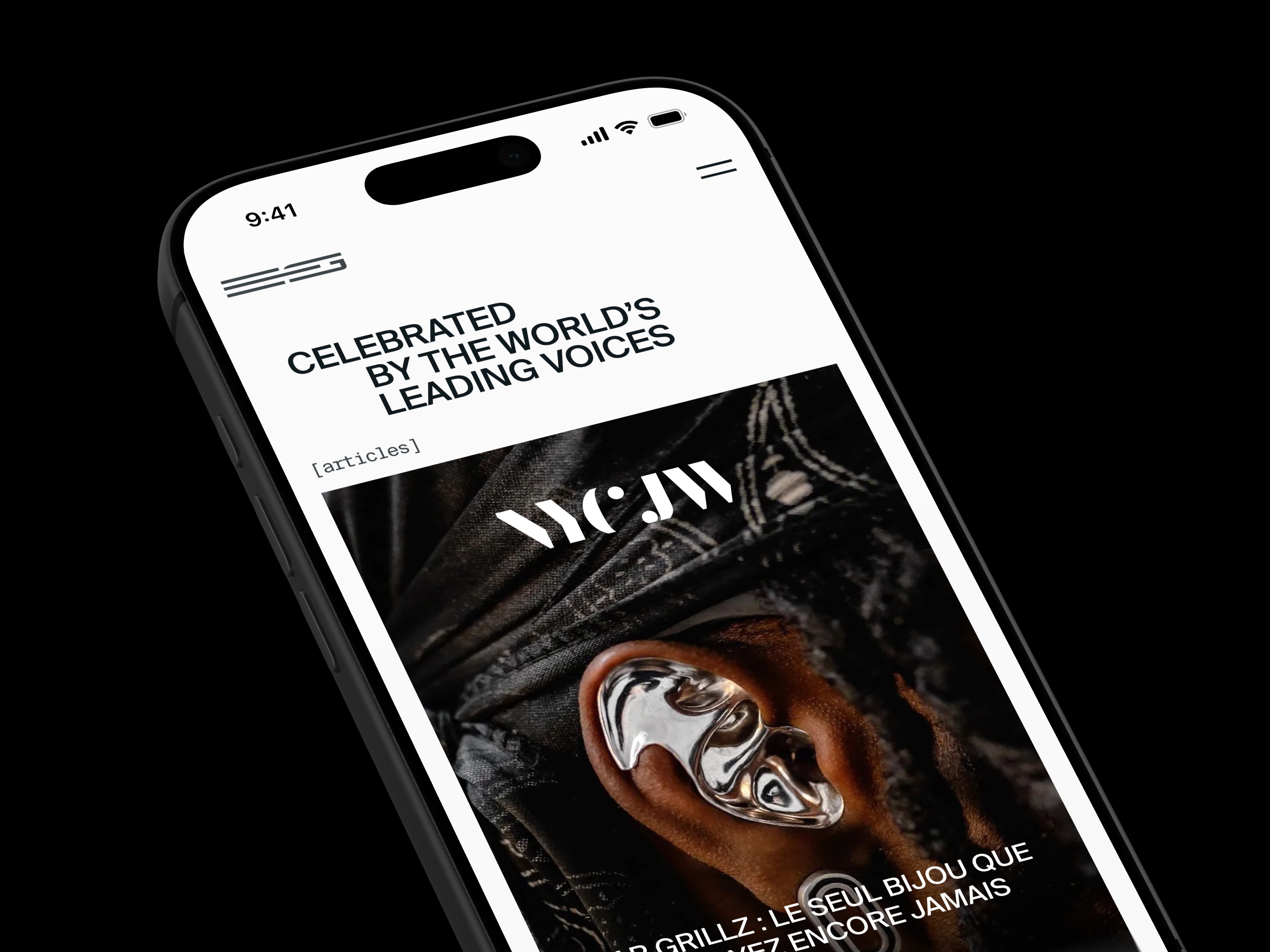
Progressive Web Apps vs. Native Apps: Determining the Right Fit
The debate between these two approaches often begins with financial considerations, which is understandable given budgetary constraints. However, cost is merely one factor in a broader strategic decision.
Native applications are engineered for specific operating systems, typically iOS or Android, utilizing dedicated languages and development tools. This approach allows for deep integration with the device’s operating system, providing a refined user experience that aligns with platform-specific norms. Native development is particularly advantageous for applications requiring extensive hardware access, such as fitness trackers, camera-intensive tools, banking software, complex gaming experiences, or any product relying on advanced device capabilities.
In contrast, Progressive Web Apps (PWAs) are distributed via the web. Users can access them through a browser and, where supported, install them directly to their home screen or desktop. PWAs are well-suited for SaaS platforms, administrative dashboards, online marketplaces, educational portals, media services, productivity suites, internal enterprise tools, and e-commerce sites.
The core trade-off lies in reach versus integration.
PWAs generally excel in accessibility. Since they are published once and accessed via a URL, they eliminate the app store as a barrier to entry for updates. This model is highly effective for audiences using diverse devices and simplifies marketing efforts, as the product benefits from standard search engine optimization (SEO) and web-based discoverability.
Native apps, however, dominate in terms of deep platform integration. If your project requires full utilization of device APIs, sophisticated animations, robust background processing, wearable device support (such as Apple Watch), or the subtle, polished interactions users expect from native software, then native development is likely the superior choice.
Regarding time-to-market, PWAs often have an advantage because developers maintain a single codebase. Native development typically necessitates separate efforts for iOS and Android, or at least significant cross-platform coordination. This does not imply that PWA development is effortless, but it does mean teams avoid the burden of building and sustaining two distinct mobile products from the outset.
Finally, user psychology plays a critical, yet often overlooked, role. Some users prefer the immediacy of clicking a link to start using a service, while others place greater trust in applications sourced from official app stores. Certain demographics may resist installing new software unless absolutely necessary. The optimal choice frequently depends on the product category. For instance, a B2B dashboard may thrive as a PWA due to its ease of access, whereas a premium consumer-facing application might benefit from the credibility and visibility associated with a native App Store presence.
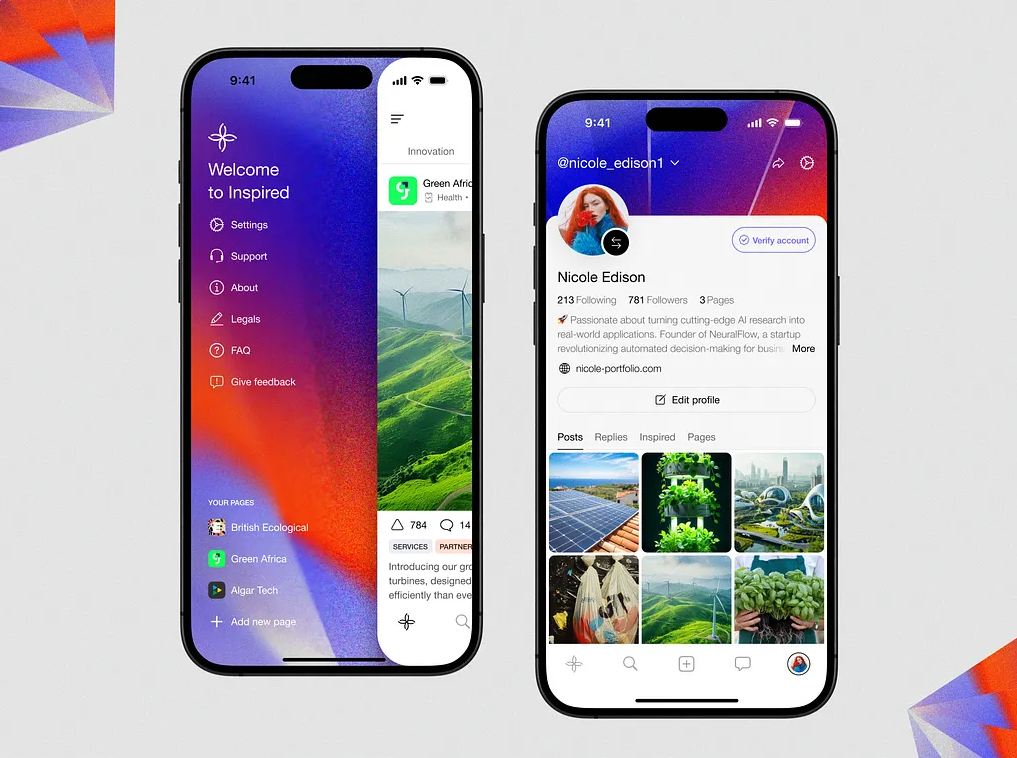
Building Progressive Web Apps: A Strategy for Long-Term Success
Many teams approach PWA development seeking a rigid technical checklist, viewing it as a simple recipe to follow. While technical requirements are important, the foundation of a successful project lies in product strategy. The critical question isn’t just how to build it, but what specific advantages the PWA offers over a standard responsive website. If the primary goal is merely to have an icon on the home screen, the strategic value is minimal.
Begin with Strategic Discovery
In the context of PWAs, "discovery" is less about formal methodology and more about addressing difficult questions upfront. Who is the target audience? Which devices do they primarily use? How does the application perform under poor network conditions? Is true offline functionality required, or is the goal simply to accelerate repeat visits? Will users actively install the app, or will they mostly access it via shared links? Determining what data can be safely cached—and what must remain live—is crucial at this stage.
Investing time in discovery prevents costly revisions later. Although it may feel like a delay when stakeholders are eager to begin visual design, skipping this phase often results in paying twice for the same decisions.
Crafting a Resilient User Experience
Effective PWA design extends beyond responsive layouts; it requires meticulous attention to application states. Designers must account for loading screens, empty data sets, offline modes, synchronization processes, payment failures, and session expirations. These micro-interactions define the overall quality of the experience.
Consider a student accessing an e-learning platform on a train with spotty connectivity. If the video list loads but the content fails to stream, what is the appropriate response? A generic loading spinner is insufficient. A clear offline notification or a display of previously saved lessons is far more helpful. The design must provide clarity not only when systems function correctly but especially when they encounter errors. This is why robust UI/UX planning is indispensable.
Architectural Planning
A typical PWA architecture might involve a frontend framework such as React, Next.js, Angular, or Vue, paired with a backend using Node.js, Python, Ruby on Rails, .NET, or similar technologies. Additional components include APIs, authentication systems, databases, content delivery networks (CDNs), monitoring tools, analytics, and CI/CD pipelines.
Special care must be taken with the service worker strategy. Teams must determine caching policies, refresh intervals, handling of stale data, and update mechanisms. Insufficient caching renders the PWA ineffective, while excessive caching risks displaying outdated information—such as showing yesterday’s bank balance as current. Striking the right balance is essential.
Rigorous Testing on Real Devices
The development phase encompasses frontend and backend coding, API integration, service worker configuration, manifest setup, push notification implementation (if applicable), analytics integration, and security audits.
Testing must be comprehensive, covering Lighthouse scores, accessibility standards, Core Web Vitals, offline functionality, installability, cross-browser compatibility, responsive behavior, authentication flows, permission requests, and error recovery. While this list is extensive, it is during this phase that the quality of the PWA is ultimately determined.
Additionally, conduct informal user testing by handing the app to someone outside the project team and asking them to install it without providing instructions. Observing their natural behavior for just ten minutes can yield more valuable insights than hours of internal discussion.
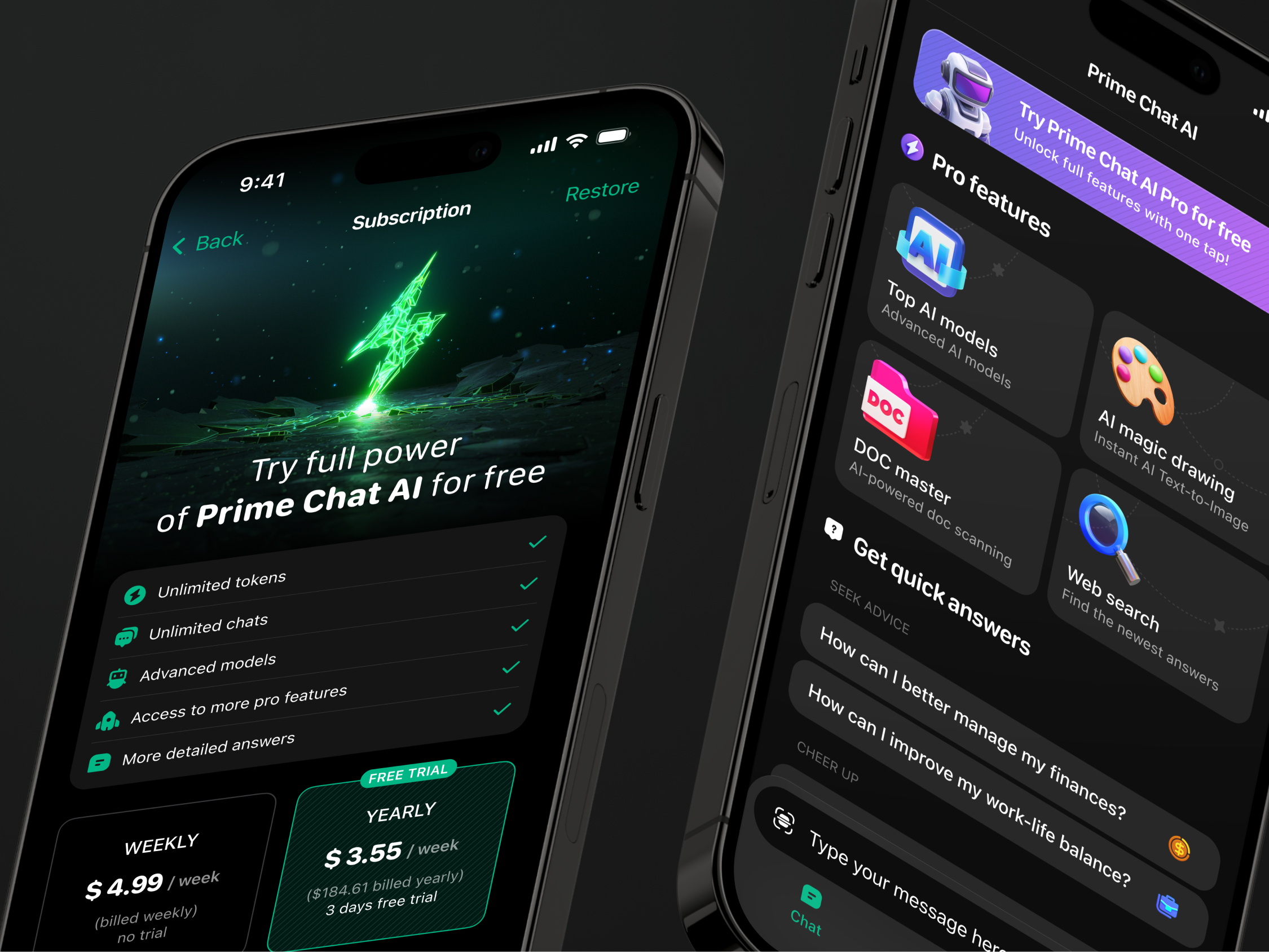
Navigating Common Pitfalls in PWA Development
The most frequent hurdles in Progressive Web App development are rarely complex or unusual. Instead, they tend to be persistent, everyday issues that emerge once the application interacts with real-world users.
Caching and State Management Complexities
Service workers can inadvertently cache incorrect files, leading to situations where users continue to view outdated versions of the app even after new deployments. While offline fallback screens may be technically implemented, they often fail to provide a meaningful or reassuring experience for the user. Additionally, push notifications may function seamlessly on Android but require significant additional configuration to work reliably on iOS. Aggressive caching strategies can also disrupt login sessions, causing unexpected authentication behaviors.
The Performance Trap
Maintaining speed is a critical challenge. Projects often begin with a lightweight, fast foundation, but gradually accumulate weight through the addition of analytics scripts, chat widgets, personalization engines, high-resolution images, and third-party embeds. This accumulation can make the application feel sluggish. Since speed is a core promise of the PWA model, performance degradation undermines user trust; if the app feels slow, users will not appreciate the sophistication of the underlying architecture.
SEO Considerations
Search engine optimization presents difficulties, particularly for applications that rely heavily on client-side rendering. Public-facing pages may require server-side rendering or static generation to ensure proper indexing by search engines. For private dashboards or internal tools, SEO is less relevant, but performance and usability remain paramount.
Accessibility Oversight
Accessibility is frequently overlooked when teams are preoccupied with technical features like installation flows and caching mechanisms. However, elements such as keyboard navigation, screen reader compatibility, color contrast, focus indicators, and clear layout structures are not optional enhancements. They are fundamental requirements that determine whether the application is truly usable for all audiences.
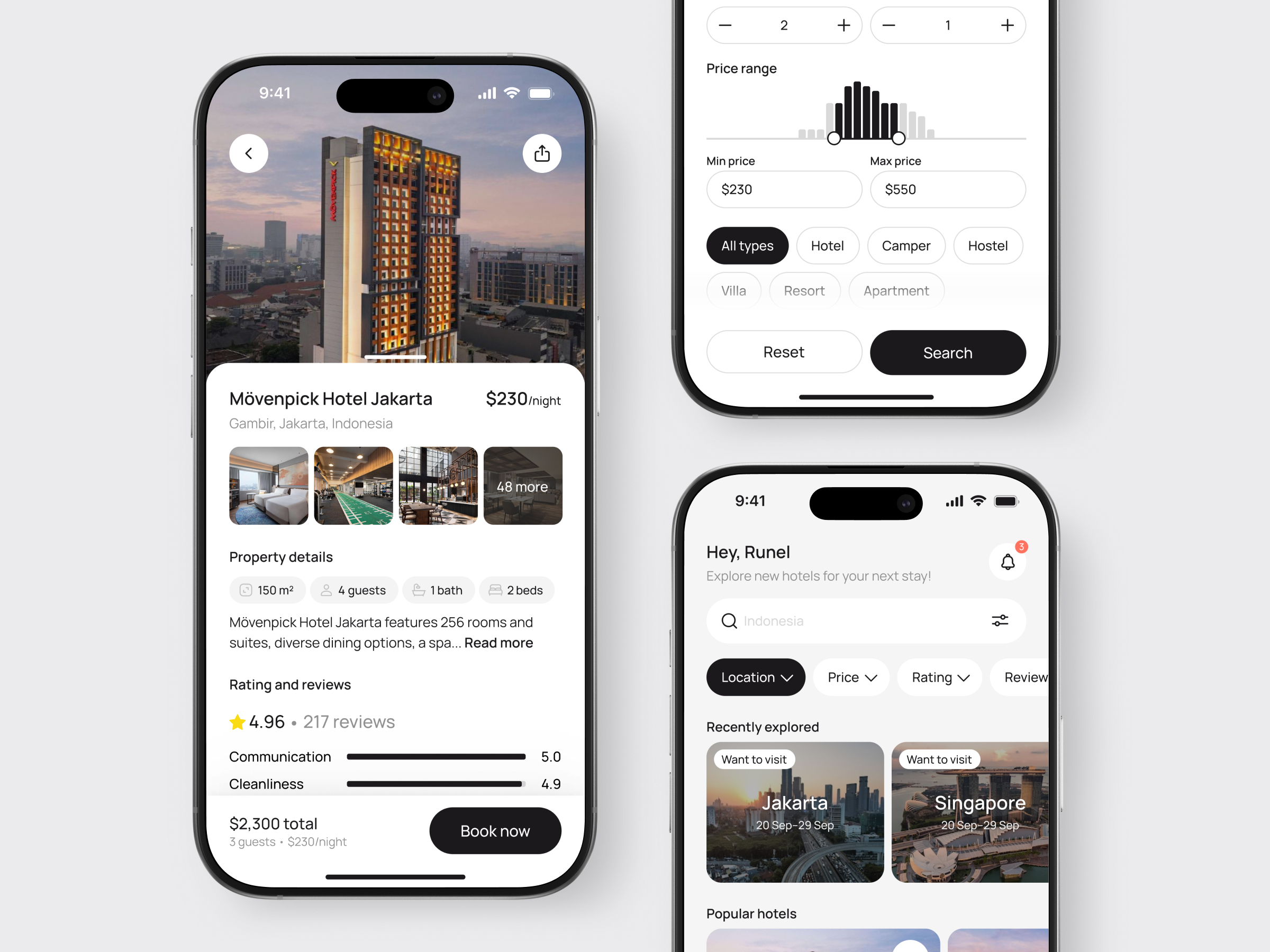
The Strategic Advantage of Partnering with PWA Specialists
Engaging a specialized development team becomes essential when a project transcends the scope of a minor technical trial. Professional support is particularly valuable for products characterized by ambiguous architectural requirements, intricate user journeys, multi-role access systems, complex third-party integrations, rigorous performance benchmarks, or a diverse user base spanning iOS, Android, and desktop environments.
The true value of such a partnership extends far beyond mere code production. In reality, programming constitutes only one facet of the overall effort. A competent team distinguishes itself by posing critical, albeit sometimes uncomfortable, questions during the initial planning phases:
- How does the system respond when connectivity is lost?
- Which data sets are safe to store locally?
- What content takes priority during the loading sequence?
- Who holds the permissions to view specific reports?
- What is the protocol for handling failed transactions?
- How will the application function immediately following a software update?
While these inquiries may temporarily decelerate the brainstorming process, they serve as a crucial safeguard against costly unforeseen issues later in the development lifecycle.
Concluding Perspectives: Determining the Suitability of PWAs
Progressive Web App development emerges as a compelling strategy when your priorities include broad web accessibility, rapid deployment cycles, reduced maintenance overhead, and an installable user experience that functions seamlessly across various devices without mandating app store downloads.
However, this approach is not universally applicable. If your product relies heavily on deep native API integration, advanced hardware capabilities, or a highly platform-specific user interface, native app development may be the more appropriate choice. In many scenarios, a hybrid model proves most effective: utilizing a web-based platform for administrative or desktop users while offering a native application for mobile-centric audiences, all supported by a unified backend infrastructure.
The central inquiry should not be whether PWAs are inherently superior to native apps, as this comparison is overly generalized. Instead, the focus should shift to understanding the specific experience your users require and identifying the most efficient, robust method to deliver it.
If a PWA aligns with these requirements, it represents a pragmatic and sensible development path. While it may lack the flashy appeal of some native solutions, its value lies in its utility, adaptability, and long-term sustainability.
About the Creator
Shakuro
We are a web and mobile design and development agency. Making websites and apps, creating brand identities, and launching startups.
Enjoyed the story? Support the Creator.
Subscribe for free to receive all their stories in your feed.
Comments
There are no comments for this story
Be the first to respond and start the conversation.