
One Selfie, Five Accounts: I Tried to Find Someone's Social Media by Picture
One Selfie, Five Accounts: I Tried to Find Someone's Social Media by Picture

A few weeks ago, I was reading an article when I noticed someone in the comments whose profile picture looked strangely familiar.
I knew I'd seen that face before.
Not a close friend. Not a celebrity. Just one of those people you recognize without remembering where from.
Was it LinkedIn?
Instagram?
A conference website?
Maybe even Reddit?
The problem was that I had nothing except a profile photo. No full name. No username. No website.
Out of curiosity, I decided to see whether it was actually possible to find someone's social media by picture using only publicly available information.
What started as a five-minute experiment turned into a surprisingly interesting lesson about how much of our online identity is connected through a single image.
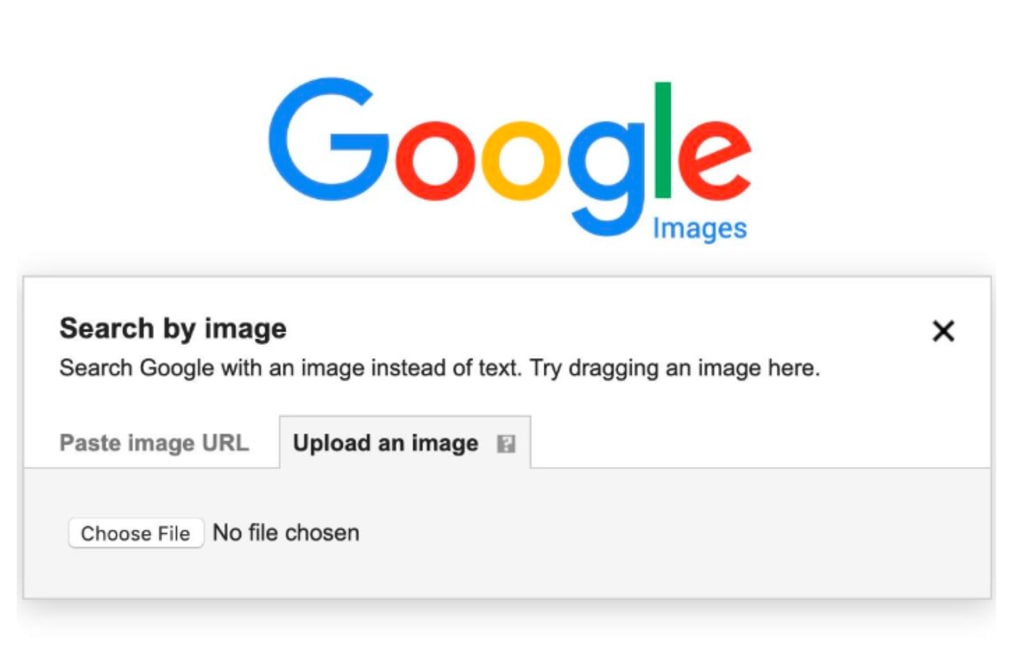
I Started With Google
Like most people, I opened Google Images first.
Then I tried Google Lens.
Google's own documentation explains that Lens can identify objects, places, products, and sometimes visually similar images across the web - but it isn't specifically designed to search for social media profiles.
Sometimes it worked.
Sometimes it returned blog posts.
Sometimes it found completely unrelated images that happened to look similar.
It became obvious that while Google is excellent for general image recognition, it's not necessarily the best way to find someone's social media by picture, especially when you're looking for public profiles rather than websites.
At that point I realized I needed a different approach.
Uploading a publicly available profile photo to begin the search.
Why Finding Social Media by Picture Is More Difficult Than It Sounds
At first, I assumed the process would be simple.
After all, if someone uses the same profile picture everywhere, shouldn't every search engine be able to connect those accounts?
Not exactly.
Many social platforms limit how profile images are indexed.
Some compress images.
Others crop them into circles or reduce their quality.
People also change profile photos frequently, use different pictures across platforms, or edit the same image with filters.
That's why trying to find someone's social media by picture often becomes surprisingly difficult using traditional search engines alone.
The photo may exist publicly - but that doesn't mean it's easy to connect across different platforms.
Common Situations Where This Can Actually Help
One thing I realized during this experiment is that most people who want to find someone's social media by picture aren't trying to investigate strangers.
Usually, they're trying to solve a perfectly ordinary problem.
For example:
You meet someone at a conference, but only remember their profile photo from the attendee app.
A freelancer sends you a proposal with no website, just a profile picture.
You come across an insightful comment on Reddit or Medium and want to read more from the same person elsewhere.
Someone contacts you through a marketplace, and you'd like to verify that they're a real person with an established online presence.
You're trying to reconnect with someone you briefly met but never exchanged contact details with.
In each of these situations, you're not looking for hidden information. You're simply trying to connect publicly available pieces that already exist online.
Looking Beyond Traditional Search
After a few unsuccessful attempts, I wondered whether there were tools built specifically for this kind of search.
Instead of searching the entire internet, I wanted something focused on publicly available social profiles.
That's how I came across Face2social.
Rather than searching every image online, it focuses on publicly indexed profile imagery and helps users find someone's social media by picture when matching public profile photos exist.
The important part - and something I appreciated immediately - is that it doesn't promise impossible results.
It doesn't claim to reveal private accounts.
It doesn't bypass privacy settings.
It simply searches information that people have already chosen to make public.
That distinction matters.
Here's What Happened
The process itself took only a few steps.
I uploaded the profile picture I'd been trying to identify.
The system analyzed publicly available profile imagery and looked for potential matches.
Face2social analyzing publicly available profile images.
The results weren't magical - but they were genuinely useful.
Instead of dozens of unrelated webpages, I saw several public profiles that appeared to use the same photo.
Some belonged to different platforms.
Others were clearly duplicates.
A few were easy to rule out.
What surprised me most wasn't that I suddenly uncovered hidden information.
It was that manually checking multiple social networks would have taken far longer than letting a specialized tool narrow down the possibilities first.
For anyone trying to find someone's social media by picture, that's often the biggest advantage: saving time while staying within publicly available information.
What Face2social Doesn't Do
This part deserves its own section because many websites make unrealistic promises.
Face2social doesn't:
unlock private Instagram accounts;
reveal hidden Facebook profiles;
access deleted content;
bypass privacy settings;
recover information that isn't publicly available.
Instead, it works within the boundaries of public information.
That may sound less exciting than the claims made by questionable websites, but it's also what makes the results trustworthy.
Privacy settings still matter.
If someone has chosen to keep their content private, no legitimate search tool should pretend otherwise.
Why This Matters More Than You Think
The experiment also made me think differently about my own online presence.
Many of us reuse the same profile photo across platforms without realizing it.
LinkedIn.
GitHub.
Instagram.
Medium.
Portfolio websites.
Conference speaker pages.
Over time, those public images become small digital breadcrumbs that make it easier to connect identities across different parts of the web.
That's not necessarily a bad thing.
For freelancers, journalists, developers, researchers, and creators, being discoverable can actually be helpful.
But it's worth understanding how easily those public pieces can connect.
Public profile matches displayed after the search.
So, Is It Possible to Find Someone's Social Media by Picture?
The short answer is yes - but only within reasonable expectations.
If someone has public profiles that use the same or a very similar profile photo, it may be possible to find someone's social media by picture without knowing their name or username.
If everything is private, however, no legitimate tool can reveal it.
That's an important distinction that many websites conveniently ignore.
After trying several different methods, I found that general search engines remain useful for broad image searches, while specialized tools can make the process much more efficient when your goal is specifically to locate public social profiles.
In the end, I didn't discover anything secret.
I simply found information that had already been available online all along.
And perhaps that's the biggest takeaway: the internet often leaves more public clues than we realize - not because our privacy has been broken, but because we've chosen to leave those clues there ourselves.
If you ever need to find someone's social media by picture using publicly available profile imagery, approaching the search with realistic expectations - and the right tool - can make all the difference.
About the Creator
Gulshan
SEO Services, Guest Post & Content Writter.
Enjoyed the story? Support the Creator.
Subscribe for free to receive all their stories in your feed.
Comments
There are no comments for this story
Be the first to respond and start the conversation.