
Image 2 Prompt Engineering Guide: From Random "Gacha" to Precise Control
Suggestions on GPT Image 2 Prompts

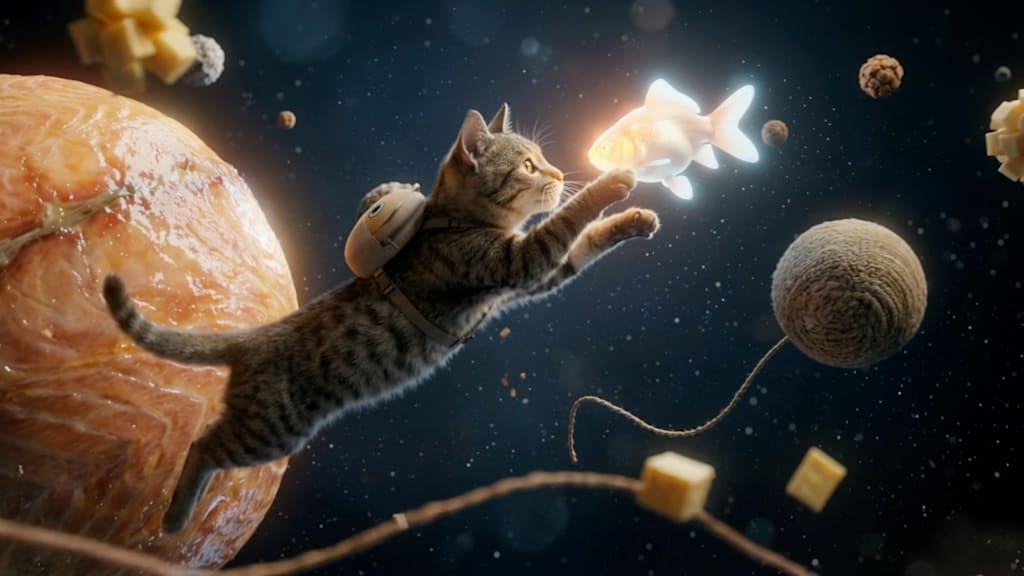
In my early days using Image 2, I experienced the same frustration as many other creators: it felt like playing a random gacha game. I used to write long, conversational paragraphs, throwing them at the model like rolling dice, hoping it would somehow guess my intent. The results were highly volatile, frequently resulting in lost details, merged subjects, or styles completely detached from my original vision.
To fix this inefficient production method, I began systematically testing and refining my prompts to establish a stable, reliable underlying logic. Here is a practical breakdown of my optimization process, followed by three highly specific, slightly absurd prompts you can test yourself.
Please read this GPT Image 2 review to create wonderful pictures.
The Process: Core Principles of Prompt Optimization
1. Abandon Literature, Embrace Modularity
During initial testing, it became obvious that Image 2 struggles to parse complex grammatical structures and literary modifiers. It operates as a strict execution engine, not a poet. I started stripping away the natural language and replacing it with a modular, tag-stacking syntax.
My current standard formula is:
[Subject Definition] + [Environment & Background] + [Lighting Data] + [Camera/Rendering Medium] + [Stylistic Suffix]
2. Variable Isolation and Weight Tuning
Refining a prompt is essentially an empirical experiment. When a generated image deviates from the goal, I never rewrite the entire prompt. Instead, I change one token at a time. Image 2.0 responds well to numerical weight distribution (for example, (neon lights:1.2)). If background elements are too noisy and steal visual focus, I decrease their weight or explicitly push those unwanted traits into the Negative Prompt.
3. The Advantage of Physical Camera Parameters
Using subjective, vague adjectives like "beautiful," "stunning," or "high quality" is highly inefficient. Instead, I directly input physical camera and rendering parameters. Injecting terms like 35mm lens, f/1.8 aperture, motion blur, global illumination immediately grounds the visual output in physical reality, effectively stripping away that heavy, plastic "AI look."
3 Unconventional Prompts for Stress-Testing
After extensive structural testing, I compiled three distinct prompts across different categories. They are designed to test the model's semantic understanding and element-merging capabilities, while carrying a specific sense of absurd humor.
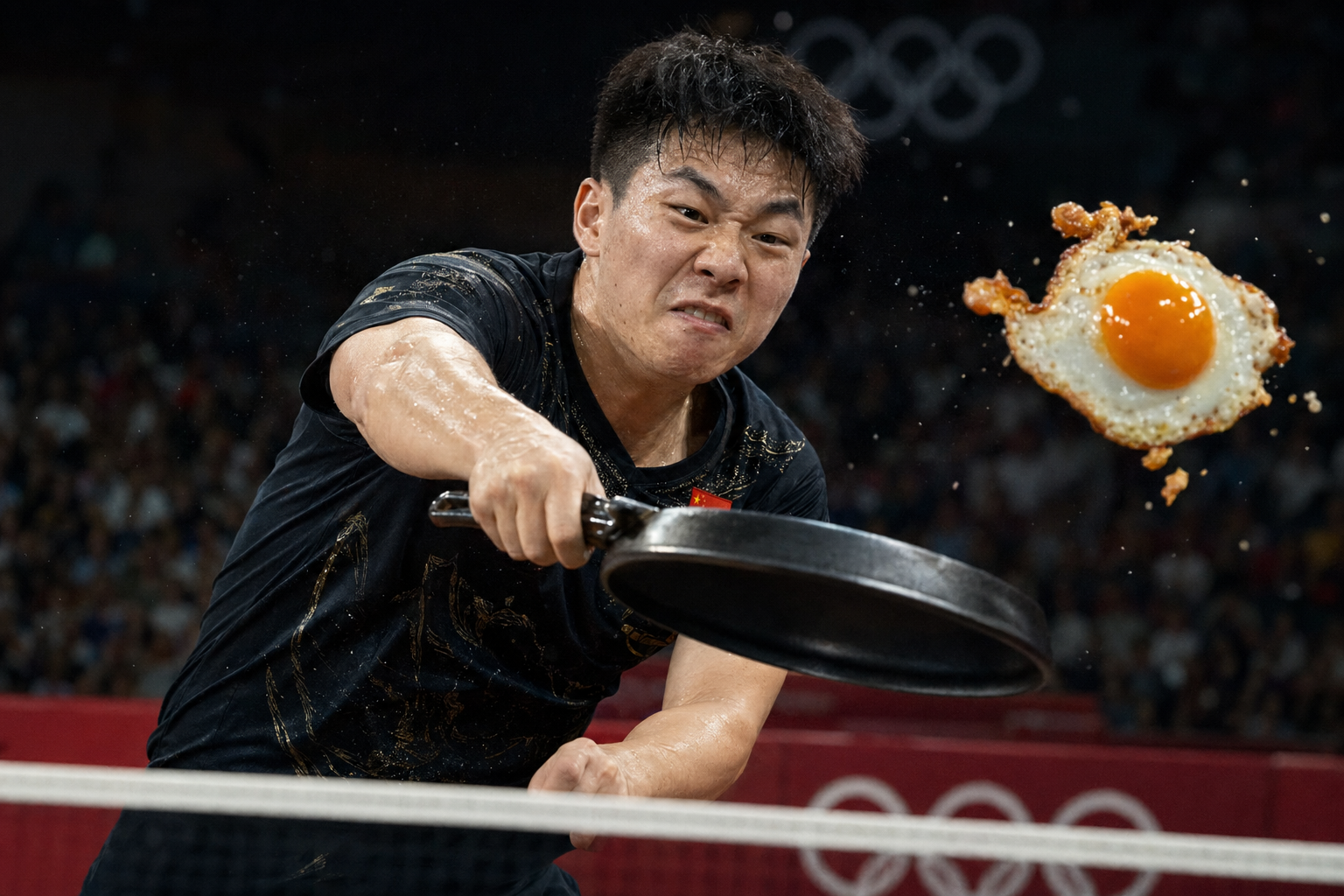
1. Absurd Realism: The Hardcore Court
This prompt tests the model's ability to capture high-speed dynamic physics and merge entirely unrelated, out-of-context items.
Prompt: Extreme close-up shot, a fierce table tennis match in an Olympic stadium, sports broadcast style. The player is executing a powerful smash, but holding a cast-iron frying pan instead of a paddle. The ball is a perfectly sunny-side-up fried egg flying mid-air with crispy edges breaking off. High shutter speed, flying sweat, dramatic stadium lighting, hyper-realistic, 8k.
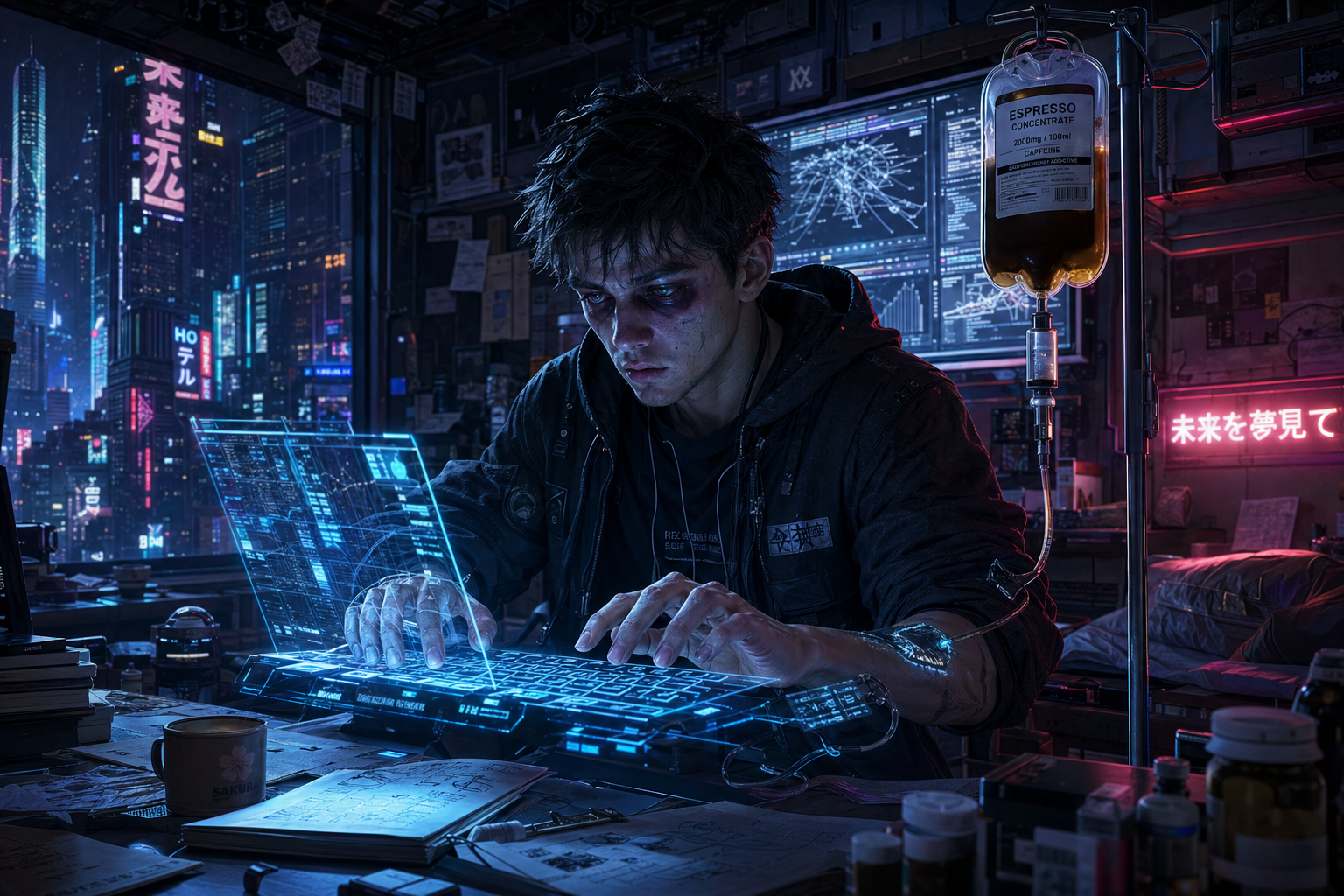
2. Cyberpunk Academia: The Pre-Deadline Struggle
This tests environmental lighting distribution and the precise control of human micro-expressions (specifically, severe fatigue).
Prompt: Cyberpunk style, a graduate student in a messy futuristic dorm room at 3 AM. He is hooked up to a glowing medical IV drip that is directly pumping espresso into his veins. He is furiously typing on a floating holographic keyboard. Heavy eye bags, glowing neon lights reflecting on his tired face, screens showing complex data graphs in the background, cinematic lighting, Unreal Engine 5 render.
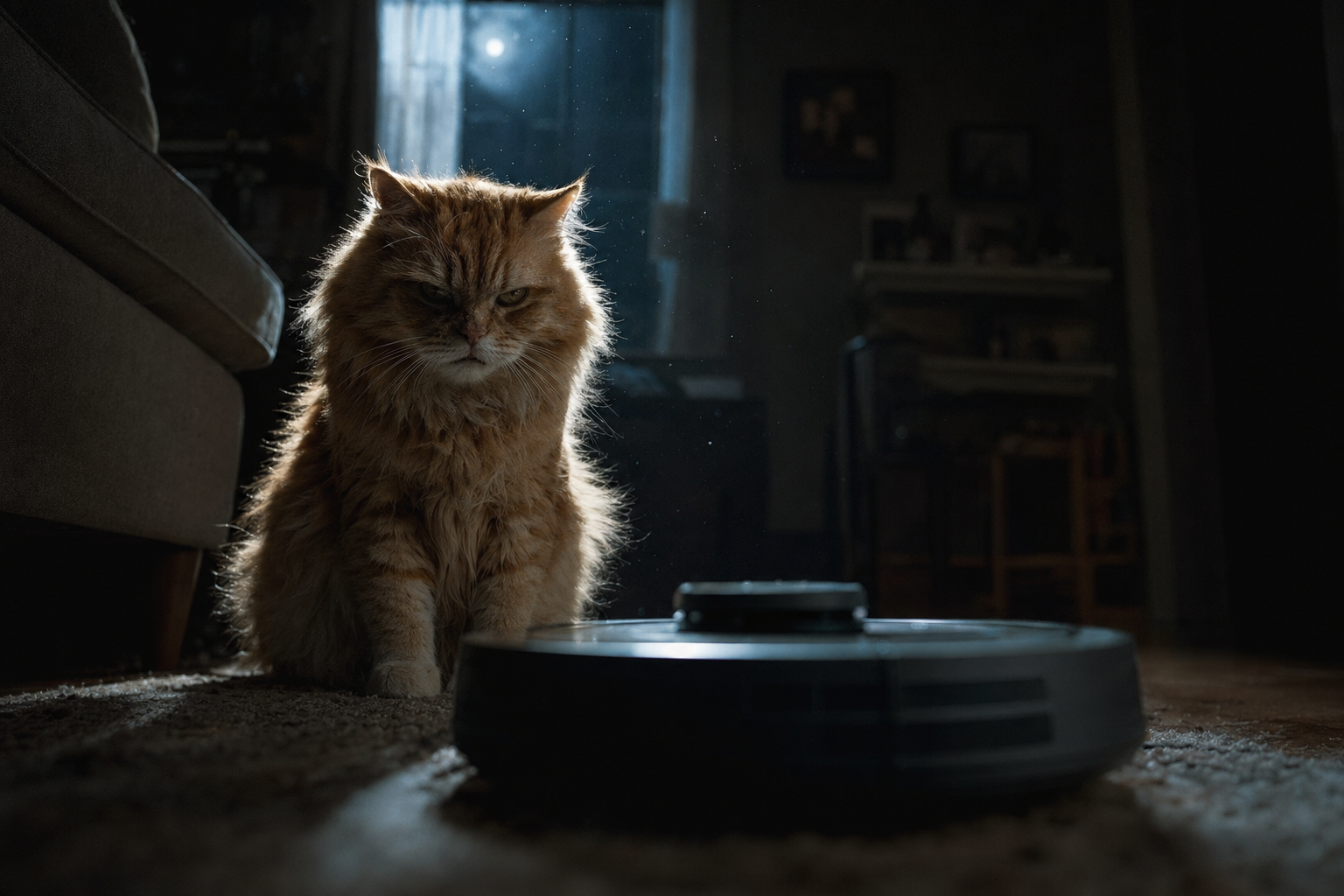
3. Anthropomorphic Drama: The Fated Duel
This is a test of whether the model can project intense emotional tension onto non-human subjects using macro photography techniques and low-angle perspectives.
Prompt: Low angle shot, a fluffy orange stray cat staring intensely at a robotic vacuum cleaner in a dimly lit living room. The cat looks like a veteran samurai ready for a final duel. Dust motes floating in a single shaft of moonlight coming from the window, dramatic shadow contrasts, tense atmosphere, shot on 35mm lens, depth of field.
If you apply this modular structure to your own workflow and swap out the subjects and actions, you will find that Image 2.0 stops acting like a random image generator and starts functioning as a highly stable, controllable visual rendering tool.
About the Creator
VideoAIInsider
As a postgraduate in Journalism and Communication (CUC) specializing in AI Production, I am dedicated to testing and reviewing AI video tools, as well as researching visual effects and customizable video templates.
Enjoyed the story? Support the Creator.
Subscribe for free to receive all their stories in your feed.
Comments
There are no comments for this story
Be the first to respond and start the conversation.