
How to Remove Watermark from Video: 4 Tools for You
Best Video Watermark Remover
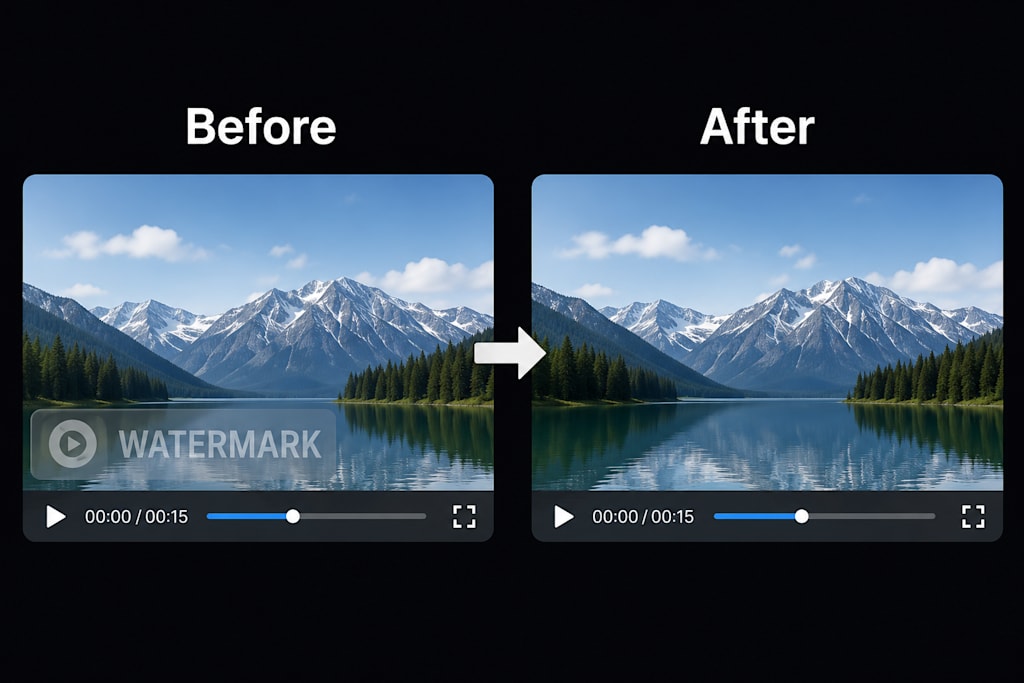
In the age of short videos and content remixing, downloading content often comes with unwanted logos or watermarks. How do you remove them cleanly, quickly, and without destroying video quality? After testing dozens of tools, here are 4 working video watermark removers for you.
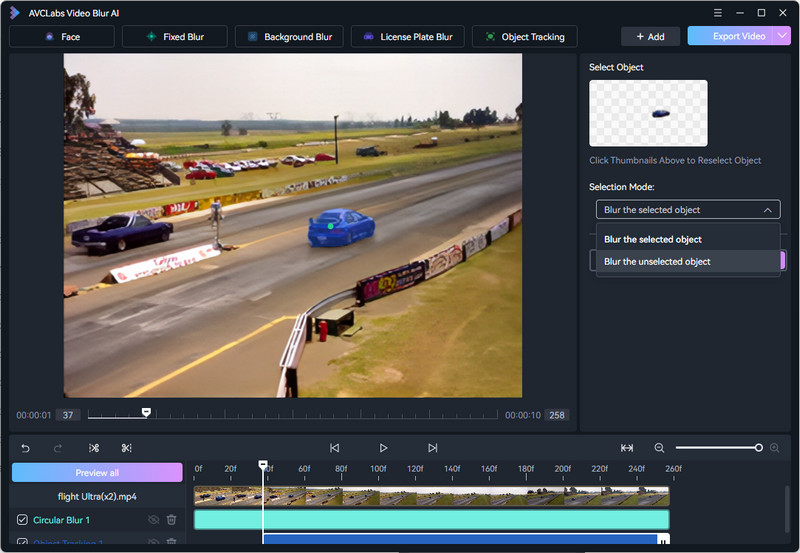
1. AVCLabs Video Blur AI — Best for Professional Quality (Desktop)
Online tools only work for short clips. But if you need to remove watermarks from long videos, AVCLabs Video Blur AI is a great choice. It was originally built to blur faces, license plates, and other objects. Now, thanks to its smart tracking feature, it also supports object removal — so you can take out both static and moving watermarks from your videos.
Key Strength: Uses advanced AI to not just blur the watermark, but intelligently fill the area with matching background pixels. Supports up to 8K resolution and GPU acceleration (NVIDIA/AMD).
Ease of Use: ⭐⭐⭐⭐⭐ (Requires download, but has a clean interface)
Cons: Need to pay. Windows/Mac only — no mobile version.
Best For: Professional video editors, YouTubers, and creators who refuse to compromise on export quality.
2. Media.io Watermark Remover — Best for Quick Online Fixes
Media.io is a product from the famous Wondershare family. It runs entirely in your browser.
- Key Strength: No installation needed. Upload, draw a box around the watermark, and process. Also supports removing subtitles or unwanted objects.
- Ease of Use: ⭐⭐⭐ (Extremely simple, drag-and-drop)
- Cons: The free trial is very limited (short duration and output watermarked). Speed depends entirely on your upload bandwidth. Privacy concerns with sensitive footage.
- Best For: Casual users who need to remove 1-2 small clips (TikTok/Reels) and don't want to install software
3. DeWatermark.ai — Best for Complex / Transparent Watermarks
This tool focuses on one thing: AI-powered inpainting. It's an old player in this space.
- Key Strength: Automatic watermark detection. You don't even have to select the area. Its algorithm is surprisingly good at removing semi-transparent logos and floating watermarks that move across the frame.
- Ease of Use: ⭐⭐⭐ (Truly one-click auto detection)
- Cons: The free version limits output to 480p. Paid plans charge by the minute, which gets expensive fast. Processing queues can be slow.
- Best For: Removing difficult watermarks on complex backgrounds, or when you don't know exactly where the logo appears.
4. Apowersoft Online Remover — Best Free Option for Light Users
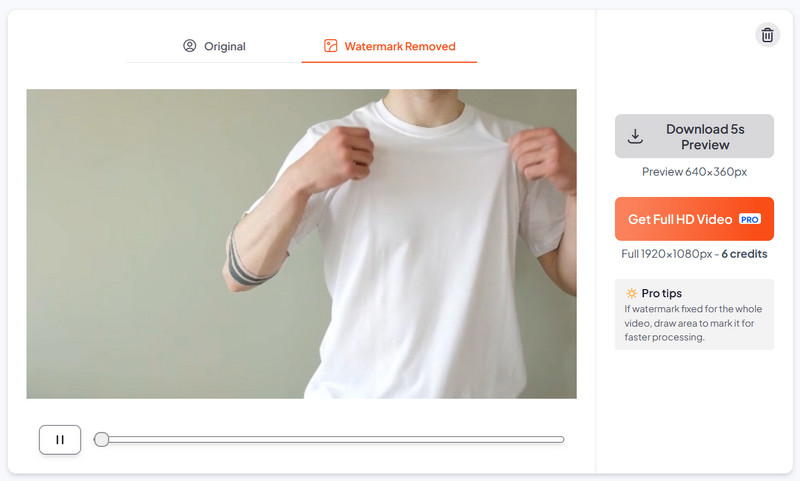
Apowersoft is a well-known multimedia brand. Their online remover stands out because of its generous free tier.
- Key Strength: Supports both video and image watermark removal. Offers two algorithms: "Smooth Filling" and "Edge Filling." Most importantly, free daily usage credits — no credit card required.
- Ease of Use: ⭐⭐⭐
- Cons: The website has many ads. Works best on solid or simple backgrounds. On complex, dynamic scenes, you might see minor artifacts.
- Best For: Students, hobbyists, or anyone on a budget. Perfect for removing watermarks from lecture recordings, game captures, or slideshows.
Important Legal Note: These tools are intended for fair use — removing watermarks from your own content, private study, or commentary. Please respect copyright laws and do not use them to steal others' work. Support original creators.
About the Creator
Enjoyed the story? Support the Creator.
Subscribe for free to receive all their stories in your feed.
Comments