
How to Design Web Apps People Can Actually Use
Explore the essentials of web platform UX. Learn how to create a responsive and easy-to-use web platform.

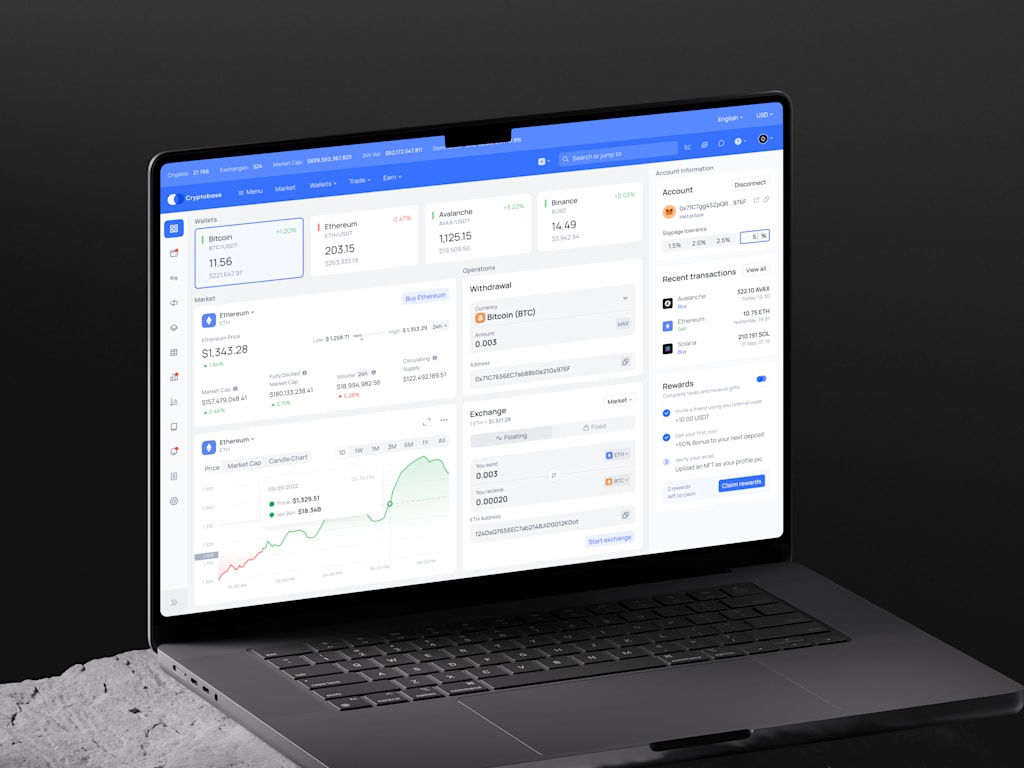
Effective user experience extends far beyond aesthetic polish. While visual appeal certainly plays a role—nobody enjoys staring at a chaotic, depressing screen for an entire workday—the core issue is functionality: can users accomplish their goals smoothly, without frustration, confusion, or unnecessary hurdles?
Development teams often dedicate months to debating feature sets, yet rarely consider how those tools feel during routine use, such as on a weary Thursday afternoon after repeated interactions. This scenario represents a genuine litmus test for usability.
This piece examines web platform UX from a pragmatic perspective, covering its definition, distinctions from standard web design and coding, critical patterns, common pitfalls, and considerations regarding budget and workflow.
Defining Web Platform UX
In this context, UX refers to the complete journey within browser-based applications designed for repetitive tasks. Examples include SaaS dashboards, educational systems, financial portals, e-commerce hubs, internal administrative tools, or client-facing account sections.
The key term is “platform.” Unlike marketing sites, which primarily aid in discovery, comparison, and decision-making, platforms require active engagement. Users must perform actions like uploading documents, overseeing projects, monitoring shipments, collaborating with colleagues, authorizing requests, adjusting configurations, reviewing analytics, settling bills, or conducting lessons.
Consequently, the burden on UX is significantly higher.
When discussing UX in web contexts, people often focus narrowly on button positioning or minimalist layouts. While these elements matter, platform UX encompasses a much broader scope: structural organization, access levels, data handling, permission systems, initial setup guides, troubleshooting pathways, search capabilities, filtering options, notifications, inclusive design, and the subtle cues that reassure users their actions were successful.
Consider the sense of relief when a form submission yields a clear success message rather than an indefinite loading spinner. That moment of clarity is UX in action.
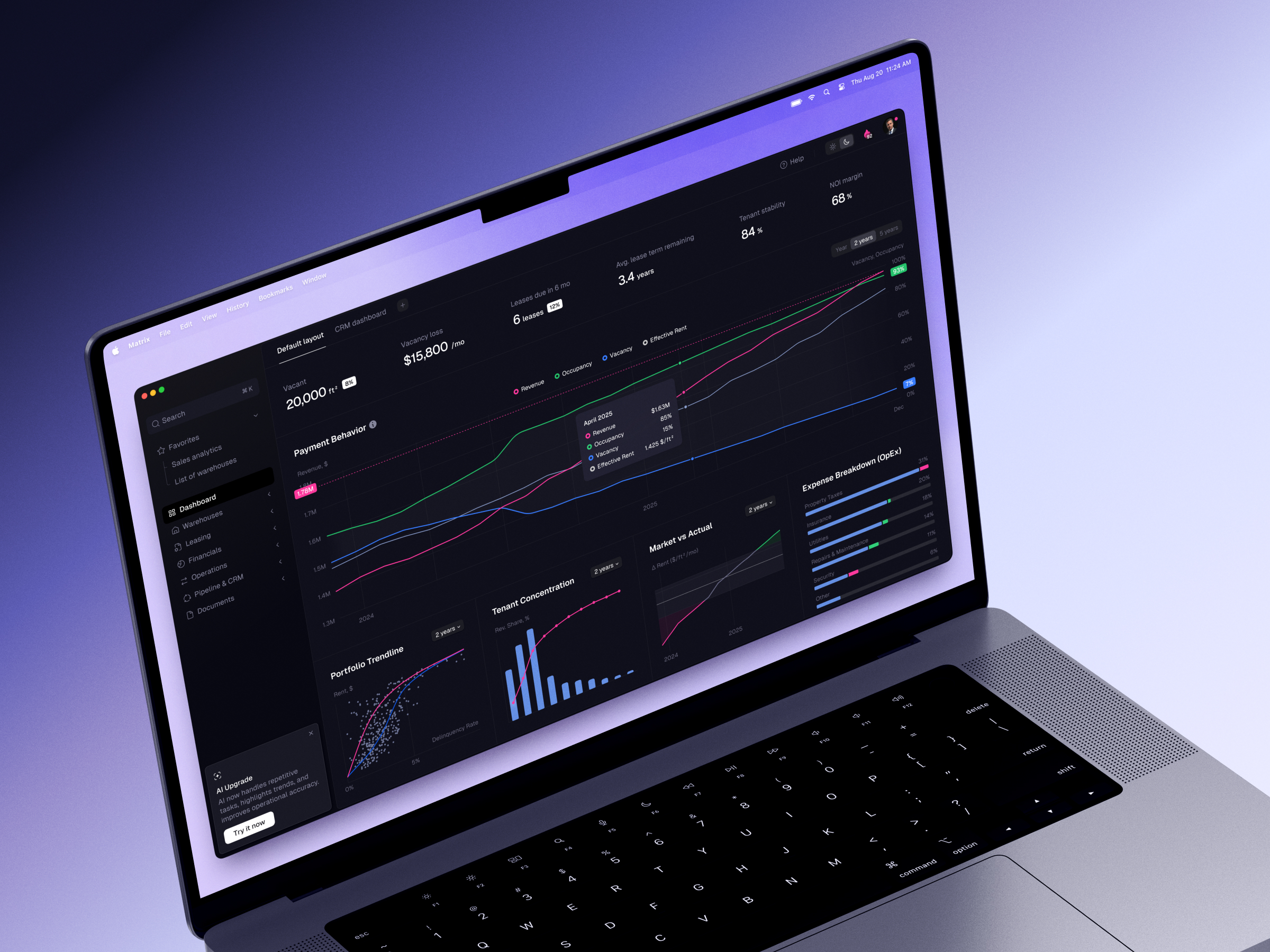
Distinguishing Web Platform UX, Design, and Development
The boundaries between user experience, visual design, and engineering often overlap, which is typical in real-world projects that rarely adhere to rigid categories. However, clarifying these roles remains valuable for effective collaboration.
Web Design: Crafting the Visual Interface
Web design governs the aesthetic and structural presentation of a product, including layout, typography, color schemes, visual hierarchy, responsiveness, and brand identity. Its primary goal is to ensure the interface feels polished, legible, and inviting.
In platform contexts, design is functional, not merely decorative. Poor contrast, disorganized tables, or inconsistent spacing can hinder productivity, whereas a coherent visual system enables users to process information and make decisions more efficiently.
UX Design: Orchestrating the User Journey
UX design concentrates on the logic and flow of interaction. It addresses questions such as: What tasks are prioritized? How should errors be handled? Which steps are unnecessary? Where is additional context required?
This discipline relies on research, journey mapping, wireframing, prototyping, and testing. While "UX" and "web design" are sometimes used interchangeably, UX in platform development delves deeper into behavioral mechanics.
Example: A settings page may look visually stunning, but if users cannot discern how specific permissions impact billing, content publishing, or team management, the design has failed practically and financially.
Web Development: Building the Functional System
Development translates concepts into working software by integrating APIs, databases, authentication protocols, performance optimizations, security measures, third-party services, and deployment pipelines. This stage also grounds design ideas in technical reality. Occasionally, an elegant interaction may prove too complex, slow, or costly for an initial launch. This isn’t a failure but a standard part of product refinement.
Rather than debating whether UX or development is more critical, it’s better to recognize their interdependence. UX without engineering remains a concept; engineering without UX results in a technically functional but confusing assortment of features.
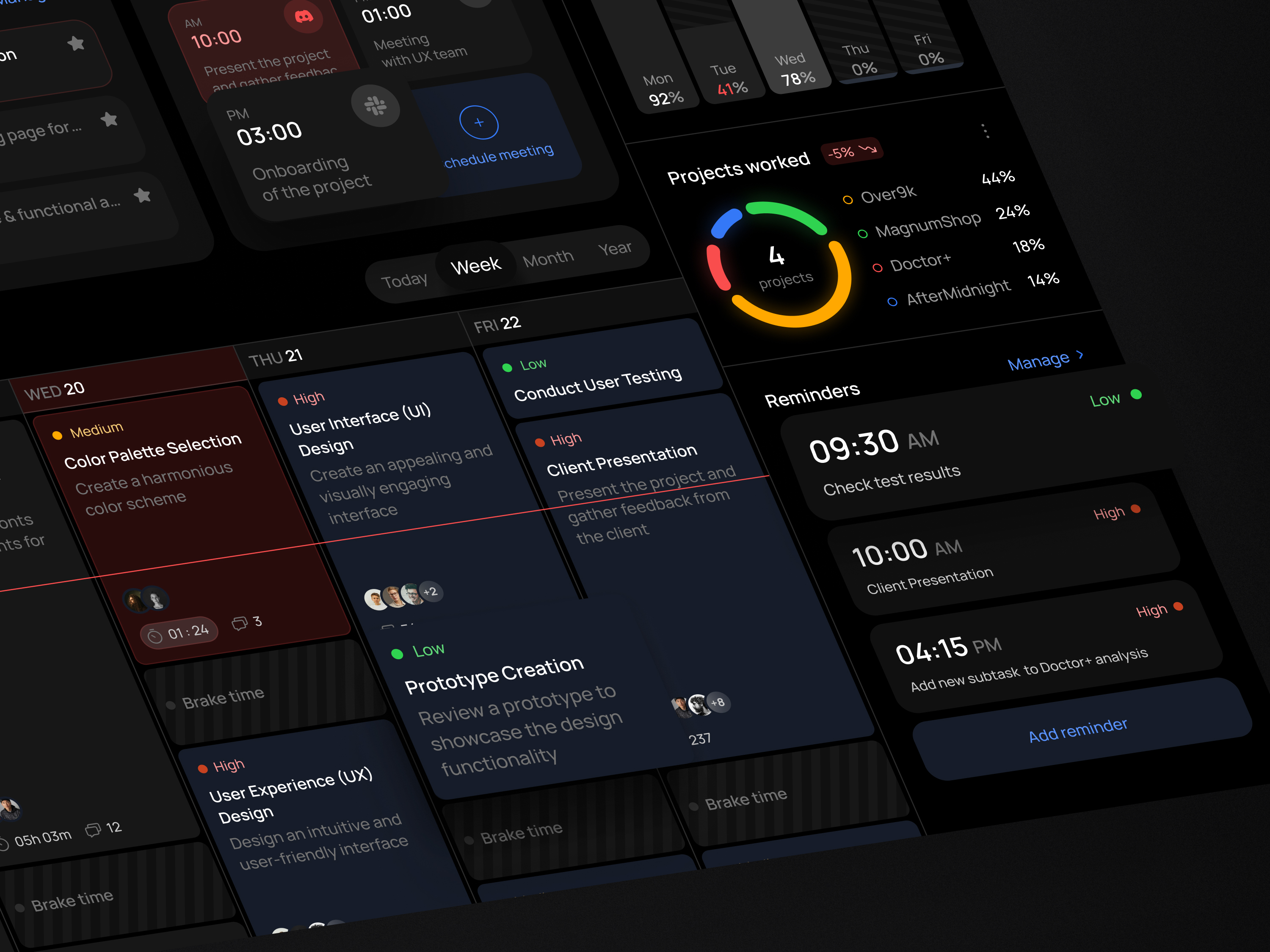
Fundamental Tenets of Effective Web Platform UX
While no universal template fits every application—a healthcare system and a creative marketplace require distinct approaches—several recurring principles define successful platforms.
Intuitive Information Structure
Users should always understand their current location, available actions, and next steps. Although this seems straightforward, many platforms obscure critical functions behind ambiguous labels like “Management” or “Tools.”
Effective architecture aligns with the user’s mental model rather than internal corporate structures. If customers conceptualize their work in terms of “orders,” the interface should reflect that terminology instead of forcing them to navigate through an “operations” department.
Tailored Experiences by Role
Platforms typically serve diverse user groups, each with unique needs: administrators require control, managers need oversight, standard users prioritize efficiency, and support teams rely on context. A one-size-fits-all interface often becomes cluttered and inefficient for everyone.
Role-based UX doesn’t necessarily mean creating separate products. Instead, it involves dynamically presenting relevant actions, data, and navigation paths specific to each user type.
Efficiency for Routine Tasks
First-time users benefit from guidance, while returning users crave speed.
This distinction is crucial in design. Onboarding tips that are helpful initially can become irritating after repeated use. Similarly, confirmation dialogs prevent errors but lose their value if triggered for every minor action, leading users to click blindly. Familiarity breeds impatience.
Transparent Data Presentation
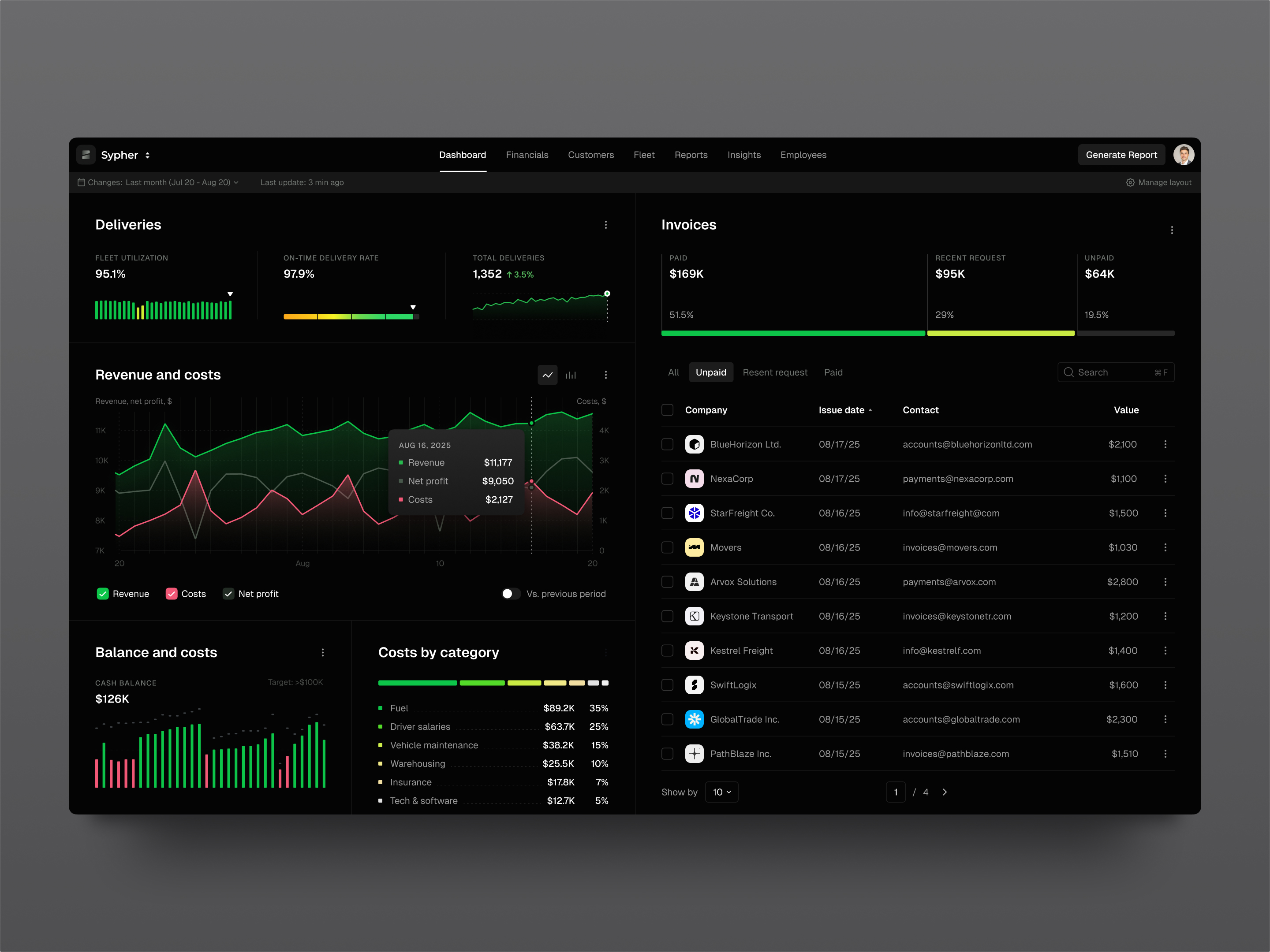
Since many platforms function primarily as tools for viewing, modifying, and analyzing data, elements like tables, charts, filters, empty states, validation messages, and loading indicators warrant careful design.
Data-dense interfaces aren’t inherently problematic; they fail only when users cannot distinguish what has changed, what is significant, or what requires immediate attention.
Inclusive and Adaptive Design
Accessibility is integral to high-quality UI/UX. Forms must have clear labels, buttons should indicate their state, keyboard navigation must remain functional, text needs to be legible, and error messages shouldn’t rely solely on color cues.
Responsive design is equally vital, even for B2B tools. Users will inevitably access reports via tablets, approve requests on smartphones, or view applications on laptops with unusual zoom settings. Designing for these scenarios ensures reliability across all contexts.
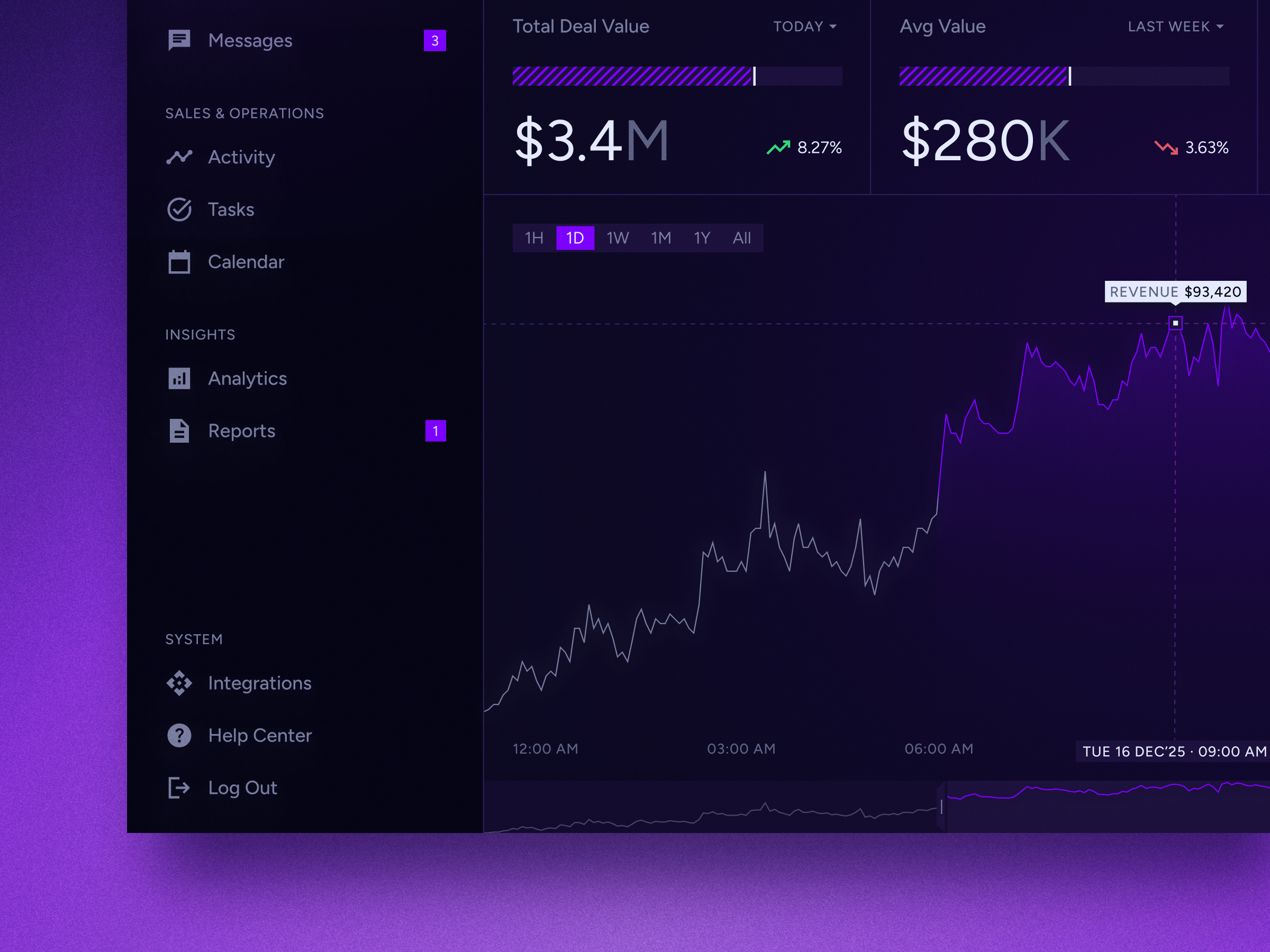
The Workflow for Web Platform UX Design
An effective design process isn’t about complexity; it’s about timing. The goal is to ask critical questions early enough that the answers can still shape the final product.
1. Discovery and User Research
Begin by grounding the project in reality: who are the users, what are the business objectives, what are the technical constraints, and what tasks actually need solving? Ignore the polished scenarios from sales pitches and focus on the messy, real-world workflows.
Key questions include: Who is logging in? What is their immediate priority? Where do they currently stumble? What issues dominate support tickets? Which user flows directly impact revenue, retention, or regulatory compliance?
Insights can be gathered through interviews, data analytics, session recordings, support logs, and rapid prototype testing. Often, a single conversation with a customer provides more clarity than hours of internal debate.
2. Journey Mapping and Structural Planning
Map out the primary paths users take through the platform, but don’t neglect the “unhappy paths.”
Consider edge cases: What occurs when a payment fails? How does the system handle an expired invitation? What if a user belongs to multiple organizations? What does the interface look like with zero data? Addressing these unglamorous scenarios is what makes a product feel robust and mature.
3. Wireframing and Prototyping
Wireframes allow the team to settle on structure and logic before getting distracted by visual details like color. Interactive prototypes are particularly valuable because they expose clumsy workflows early on. You can physically sense when a process includes unnecessary steps.
This stage is also ideal for validating UX assumptions before coding begins. A brief usability test at this point can prevent significant rework later.
4. UI Design and Systematization
Once the user flow is validated, apply a coherent visual language. This includes defining buttons, forms, tables, cards, navigation elements, modals, alerts, empty states, typography, spacing, and responsive behaviors.
For platforms, a design system serves more than just aesthetic consistency; it acceler development by ensuring new features integrate seamlessly rather than looking like disjointed additions.
5. Developer Handoff and Collaboration
Handoffs must go beyond static images. They should detail interaction states, technical constraints, component behavior, accessibility requirements, and responsive rules.
Crucially, designers and developers should collaborate before the handoff, not just after. It is far easier to tweak a workflow during the design phase than to refactor code once frontend development is underway.
6. Testing and Continuous Improvement
Quality assurance should cover usability, functionality, performance, accessibility, and security. However, the work doesn’t end at launch.
No platform is flawless on day one. This isn’t pessimism; it’s realism. Real products evolve as real people interact with them, revealing new opportunities for refinement.
The Advantage of Integrated UI/UX and Development Teams
Building a web platform can be approached in various ways: hiring individual freelancers, assembling an in-house team, or partnering with a full-service agency. There is no single "correct" path for every organization.
However, for complex systems, keeping UX, UI, frontend engineering, backend logic, quality assurance, and support functions closely aligned offers significant benefits. Designers can immediately validate the technical feasibility of concepts, while developers can flag potential performance bottlenecks or data constraints early in the process. QA specialists can identify edge cases that designers may have overlooked. This collaborative environment ensures everyone shares a unified vision of the product, rather than working in silos and handing off disjointed components.
This integration is crucial because decisions across design and development are deeply interconnected. For instance:
- Permission structures dictate interface terminology.
- API latency influences how loading states are designed.
- Billing logic shapes the onboarding experience.
- The robustness of a design system impacts frontend development speed.
When these cross-functional discussions occur early, the resulting product tends to feel more cohesive and polished.
Concluding Perspective
Web platform UX is not merely about aesthetic refinement; it constitutes the operational backbone of a digital product.
A well-designed platform enables users to orient themselves, execute tasks efficiently, recover from errors gracefully, and return to the system without anxiety. This last point is often underestimated. While few people wake up eager to use an administrative dashboard, a thoughtfully designed one minimizes friction and stays out of the user’s way.
Whether you are building a new platform or overhauling an existing one, begin by examining actual workflows. Pay close attention to mundane screens, error messages, empty states, permission settings, and repetitive actions. These seemingly minor details are where a product either builds credibility or silently erodes user trust.
About the Creator
Shakuro
We are a web and mobile design and development agency. Making websites and apps, creating brand identities, and launching startups.
Enjoyed the story? Support the Creator.
Subscribe for free to receive all their stories in your feed.
Comments
There are no comments for this story
Be the first to respond and start the conversation.