
How to Crack Any Windows Password in 2 Minutes Using a Bootable USB Key
Stop Reinstalling Windows – Just Remove the Password and Regain Access Instantly

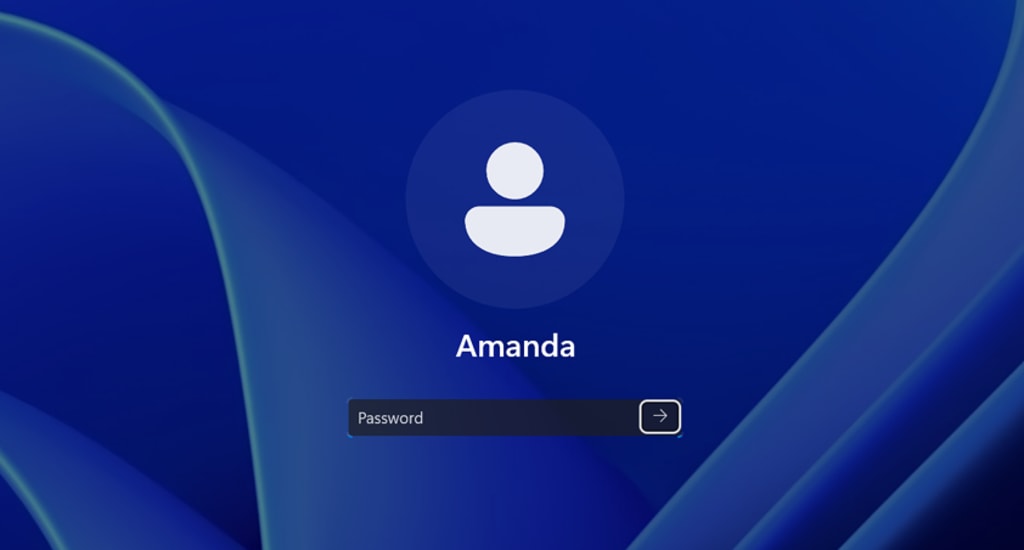
You turn on your computer. The login screen appears. You type your password – and nothing happens. Locked out. Forgotten password. Or worse: an old administrator account that no one knows the code for.
The usual advice? Reinstall Windows. That means hours of work, lost files, missing drivers, and reinstalling every single program.
There is a faster way. A bootable USB key can crack any local Windows password in under two minutes.
________________________________________
What Is a Local Windows Password Cracker?
A local Windows password cracker is a lightweight software tool installed on a USB drive. When you boot your computer from that drive, the tool bypasses Windows entirely. It reads the SAM file – the place where Windows stores password hashes – and wipes the password for any user account you choose.
No complex commands. No coding skills. Just a few keystrokes.
This is not a brute force attack. It does not guess millions of passwords. It simply removes the password hash from the system, leaving everything else untouched.
________________________________________
Why You Should Use a USB Password Cracker Instead of Reinstalling Windows
Reinstalling Windows :
• Takes 1 to 3 hours
• Deletes all your files
• Requires a Windows installation disc or USB
• Needs drivers and updates afterwards
• Loses browser bookmarks and saved sessions
Using a bootable USB cracker :
• Takes less than 2 minutes
• Preserves every file and program
• Works with any 8GB USB key
• No post installation work
• Keeps everything exactly as it was
The choice is obvious for anyone who values their time and data.
________________________________________
Which Windows Versions Are Compatible?
This cracking method works on all local accounts of the following Windows editions :
• Windows Vista (32 and 64 bit)
• Windows 7 (32 and 64 bit)
• Windows 8 / 8.1
• Windows 10 (all builds)
• Windows 11 (including the latest updates)
Both BIOS and UEFI firmware are fully supported. The tool automatically detects the correct boot mode.
Important limitation : This method does not work on Microsoft online accounts (for example, [email protected]). It only works on local Windows accounts. Also, if your hard drive is encrypted with BitLocker, you must decrypt it first – otherwise the SAM file cannot be read.
________________________________________
Step by Step: How to Crack a Windows Password with a USB Key
Step 1 – Prepare the Bootable USB Key
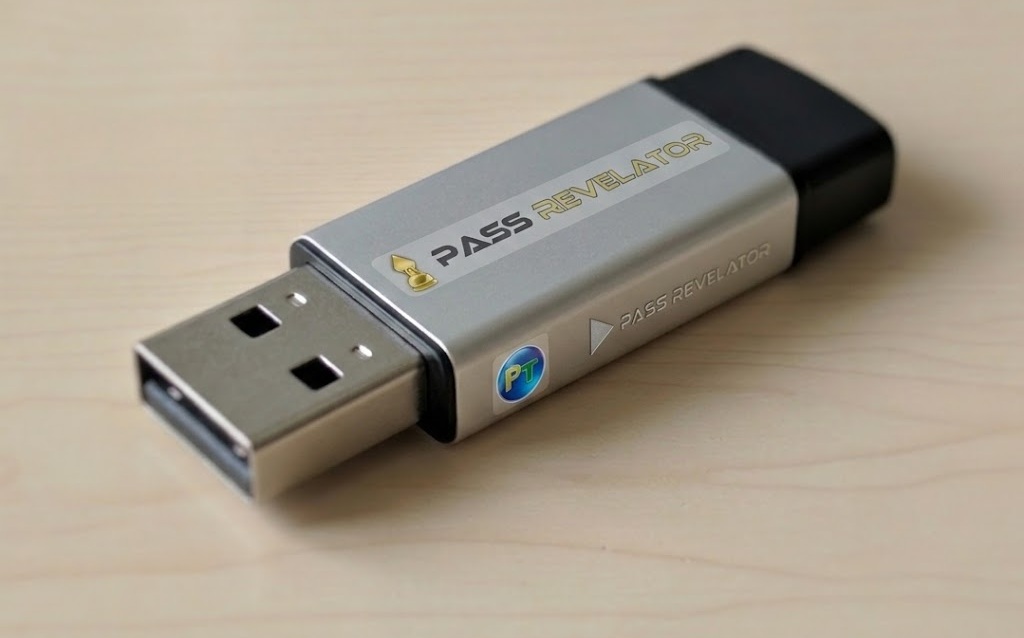
Get the tool to hack any Windows password: https://passwordrevelator.net/en/unlock-windows-account-without-password
Step 2 – Boot Your Computer from the USB Key
1. Insert the USB key into a powered off computer.
2. Turn on the computer and press the boot menu key (usually F12, F10, ESC, or Delete).
3. Select the USB drive from the list.
Step 3 – Launch the Password Cracker
Once booted, the tool’s menu appears. You will see a list of detected Windows installations and user accounts. Using simple arrow keys, select the account you want to unlock.
Step 4 – Clear the Password
Press the key for “clear password” or “remove password” (the exact command is clearly displayed). The tool confirms the action in less than one second.
Step 5 – Restart and Log In
Remove the USB key. Reboot your computer normally. Windows will no longer ask for a password on that account. You are in.
Total time : Less than 5 minutes – often under 2 minutes.
________________________________________
Legitimate Use Cases (Where This Tool Is Legal)
Password cracking tools are often associated with malicious hackers. However, there are many perfectly legal reasons to use one :
1. You forgot your own Windows password – It happens to everyone at least once.
2. You bought a used computer – The previous owner left their password. You own the hardware. Remove the lock.
3. Family PC locked – A child or relative changed the password and no one remembers it.
4. IT technician recovering a company PC – An ex employee left without handing over the admin password (with management approval).
5. Old hard drive recovery – You pulled a drive from an old computer and need to access the files.
In all these cases, you are not stealing anything. You are reclaiming access to your own property.
Legal warning : Using this tool on a computer you do not own or do not have permission to access is illegal in most countries. You are solely responsible for how you use it.
________________________________________
Why This Tool Is a Must Have for IT Professionals
If you work in computer repair, help desk, or IT support, you see password locked machines every week. Having a bootable USB cracker in your toolkit saves you hours of unnecessary work.
• No more BIOS resets or complicated workarounds that fail on modern Windows versions.
• No more customer data loss – you keep their files intact.
• No more wasted time – a 2 minute fix instead of a 2 hour reinstall.
Selling or offering this service can also be a profitable side business. Many home users are happy to pay a small fee for a quick unlock rather than losing all their documents.
________________________________________
Final Verdict: Stop Wasting Time – Crack It
Reinstalling Windows because you forgot a password is like throwing away your car because you lost the key. It is overkill, destructive, and unnecessary.
A bootable USB password cracker is a simple, fast, and effective solution. Whether you build one yourself or buy a ready to use key, you will never be locked out of your own machine again.
Take control. Crack the password. Get back to work.
________________________________________
Ready to Get One?
If you do not want to spend time building your own USB cracker, pre flashed, tested keys are available for purchase. Each key is :
• 8GB USB drive
• Pre loaded with the latest cracking tool
• Tested on Windows 10 and 11
• Shipped within 24 hours with tracking
About the Creator
Alexander Hoffmann
Passionate cybersecurity expert with 15+ years securing corporate realms. Ethical hacker, password guardian. Committed to fortifying users' digital safety.
Enjoyed the story? Support the Creator.
Subscribe for free to receive all their stories in your feed. You could also become a paid subscriber, letting them know you appreciate their work.
Comments
There are no comments for this story
Be the first to respond and start the conversation.