
How to Add Enterprise SSO to Your SaaS App Without Building It From Scratch
Enterprise SSO
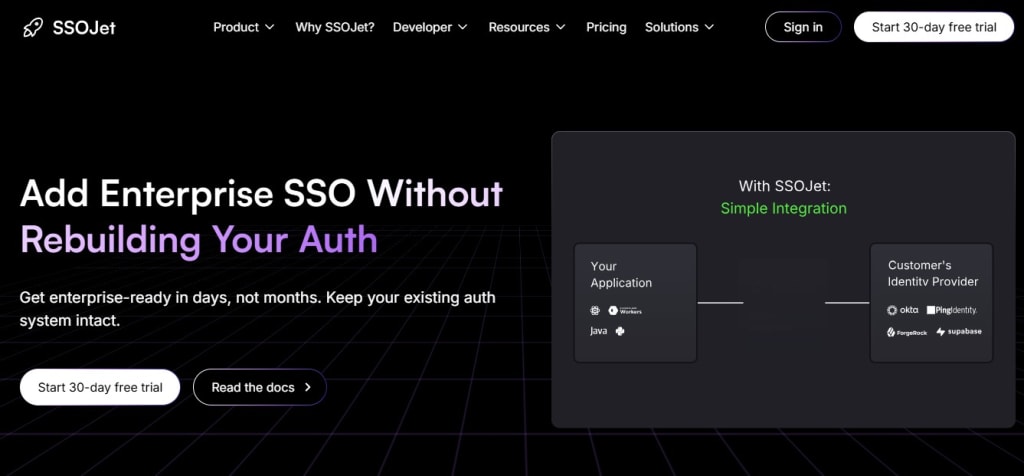
If you’re a developer building a SaaS application, chances are you’ve already fielded requests from enterprise clients asking, “Do you support SSO?” If your app doesn’t yet offer Single Sign-On, that question can send shivers down your spine—and for good reason. Implementing enterprise-grade SSO is notoriously complex. From juggling multiple protocols (SAML, OAuth, OpenID Connect) to managing identity providers like Okta, Azure AD, and Google Workspace, it’s easy to get overwhelmed.
The good news? You don’t have to build SSO from scratch. In this guide, we’ll break down why SSO is hard, how to approach it with code, and how SSOJet can help you integrate enterprise SSO into your app in a fraction of the time.
Why Is Enterprise SSOjet So Complicated?
Enterprise SSOJet isn’t just logging in with Google. It’s integrating with a client’s existing Identity Provider (IdP), often with bespoke configuration needs, strict security requirements, and custom attributes. Here are just a few reasons devs struggle:
Multiple Protocols: You may need to support SAML 2.0, OAuth 2.0, and OpenID Connect—all with slightly different flows.
IdP Variations: Each IdP has its quirks. Okta may behave differently from Azure AD, and you'll need custom logic to handle both.
Tenant-specific Configs: Enterprise clients often require their own metadata URLs, certificates, and login/logout endpoints.
Onboarding Time: Setting up and testing a new SSO connection can take hours or even days.
Now multiply that by 5, 10, or 50 clients.
A Quick Look at What the Code Involves
Let’s say your app wants to support SAML-based login. At a bare minimum, you’ll need to:
- Parse and validate the incoming SAML assertions
- Verify signatures with the IdP’s certificate
- Map assertion attributes to your internal user model
- Handle SP-initiated vs. IdP-initiated logins
- Manage metadata exchange
Here’s a snippet (simplified for clarity) using Node.js and the saml2-js library:
const saml2 = require('saml2-js');
const sp = new saml2.ServiceProvider({
entity_id: "https://yourapp.com/metadata",
private_key: fs.readFileSync("./key.pem").toString(),
certificate: fs.readFileSync("./cert.pem").toString(),
assert_endpoint: "https://yourapp.com/assert"
});
const idp = new saml2.IdentityProvider({
sso_login_url: "https://idp.com/login",
sso_logout_url: "https://idp.com/logout",
certificates: [fs.readFileSync("./idp_cert.pem").toString()]
});
// Handling the assertion
app.post("/assert", function(req, res) {
sp.post_assert(idp, { request_body: req.body }, function(err, saml_response) {
if (err) return res.sendStatus(401);
const user = {
email: saml_response.user.name_id,
attributes: saml_response.user.attributes
};
// Log in the user or create account
loginUser(user);
res.redirect("/dashboard");
});
});
Now imagine maintaining this logic for dozens of clients. Not fun.
The Better Way: Use SSOJet
SSOJet is a drop-in SSO platform designed to help SaaS teams skip the boilerplate and go live with enterprise SSO in minutes, not weeks.
Here’s what SSOJet does for you:
Unified API: It abstracts away the protocol differences. Whether a client uses SAML or OIDC, you get a clean, consistent JSON payload.
Hosted Metadata & Endpoints: No need to manage XML files or certificates. SSOJet hosts the SSO endpoints and handles the heavy lifting.
Multi-Tenant Support: Easily onboard new enterprise clients with their own IdP configuration—right from a dashboard or via API.
Secure by Default: All the token validation, signature checking, and session handling is baked in.
Integration Example with SSOJet
Let’s say you want to integrate with an enterprise client using Okta. With SSOJet, your backend only needs to do this:
const express = require("express");
const axios = require("axios");
app.post("/sso/callback", async (req, res) => {
const token = req.body.token;
const userInfo = await axios.post("https://api.ssojet.com/validate", {
token
});
const user = userInfo.data;
loginUser(user);
res.redirect("/dashboard");
});
Boom. Done.
When Should You Build vs. Buy?
If you’re supporting one or two enterprise clients and love rolling up your sleeves with SAML, go ahead and build it. But if you’re scaling or want to appear enterprise-ready out of the gate, using a tool like SSOJet saves serious engineering time and reduces maintenance headaches.
Final Thoughts
SSO isn’t optional anymore—enterprise buyers expect it. But implementing SSO doesn’t have to derail your roadmap or burden your dev team. With SSOJet, you can go live with enterprise SSO support in hours, not weeks, and let your team focus on building features that actually differentiate your product.
About the Creator
Enjoyed the story? Support the Creator.
Subscribe for free to receive all their stories in your feed.
Comments
There are no comments for this story
Be the first to respond and start the conversation.