
Headless WordPress Development
What is Headless WordPress?

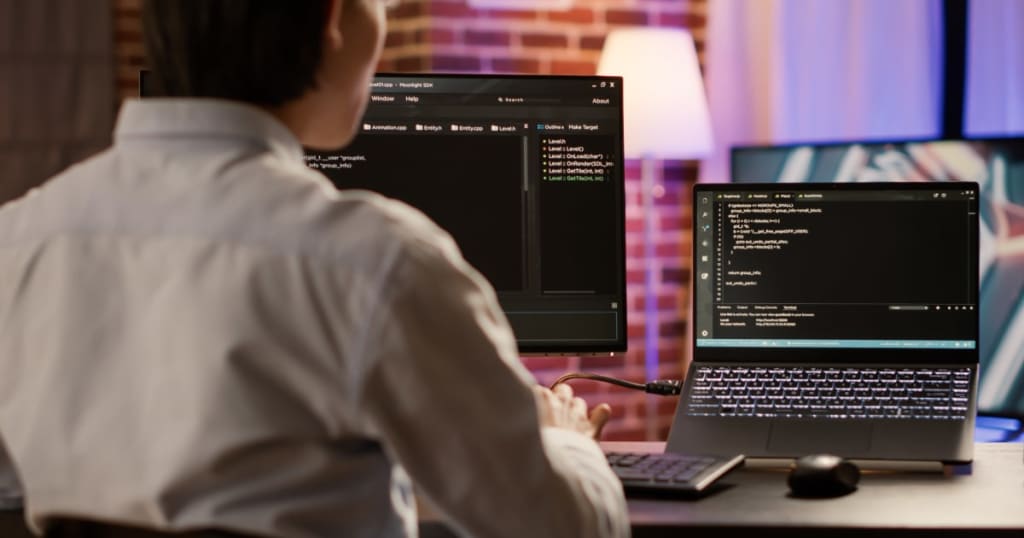
Headless WordPress is an innovative technique that expands WordPress's capabilities. Decoupling your website's content database from its presentation provides unequaled flexibility, effective multi-channel distribution, and lightning-fast performance.
What is Headless WordPress?
To understand how a headless WordPress configuration differs from standard WordPress, we first need to discuss headless content management systems in general. Most CMSs you've probably dealt with are designed to manage both the front end of a website — the interface with which visitors interact, such as a web page — and the back end of a website — the files kept on servers, such as scripts and content databases. The back end is where you generate, organize, and manage material before displaying it on the front end.
We may refer to this configuration as a "coupled" CMS design because the front-end editing tools and back-end administration tools are on the same installation. Both the front and back ends access the database to create the web pages and other assets that visitors request. Beginners like linked architecture because it allows them to manage their whole website from inside a single, user-friendly tool. A headless CMS functions differently: It eliminates all front-end tools, leaving just back-end content management tools. Essentially, you are separating your website's front end from the rest of its backend.
This is where headless WordPress comes in. WordPress, as you and I know it, has a linked architecture. You manage your website's assets in the dashboard and customize its design using themes and plugins. However, by exchanging content using the WordPress REST API, any WordPress installation may become headless. In a headless WordPress setup, content management tools are available, but front-end functionality like as themes and the block editor are absent. Another front-end program manages how your WordPress website appears.
A headless system is not the ideal option for every WordPress user. However, there are situations when this setup is optimal. Next, let's talk about why a company would wish to attempt headless WordPress.
Benefits of Headless WordPress
1. Improved Performance: Traditional WordPress generates web pages dynamically. This implies that, rather than keeping static HTML pages to deliver to users as needed, the hosting server generates an HTML page each time a request is received. This necessitates the server running PHP and MySQL processes to retrieve all of the required resources from the database, assemble them into a page, and transmit it to the user. You may speed up your site by leaving front-end delivery to a separate program such as npm or next.js.
2. Front-End Flexibility: WordPress's vast variety of customisable themes and plugins enables you to do a lot with the front end. Still, not everyone may want to have this level of control over their website's front end. With a headless CMS, you may maintain the "content management" component of the WordPress CMS that you know and love while outsourcing your front end to nearly any other program that can communicate with the WordPress API.
3. Improved Security: A headless website is built on the server, so the website visitor has no interaction with the database. This is ideal for security reasons. A hacker need something to hack, yet a headless computer provides nothing to hack.
4. Multichannel Publishing: When you first start using WordPress, you'll be creating ordinary desktop and mobile websites, which may be all you need. However, some growing firms may wish to distribute their information via other interfaces such as mobile applications, social networking sites, smart gadgets, and virtual assistants. When you make a modification to some material in the CMS, it is instantly mirrored on all devices linked to it.
Choose WebbyCrown Solutions for Headless WordPress Development Services
WebbyCrown offers WordPress Headless Development Services as well as Channel Connect Distribution. This method separates the backend (WordPress) from the frontend, allowing you to handle content using WordPress while displaying it with any bespoke frontend system. This versatility allows the implementation of bespoke features and extends beyond WordPress. Our Headless WordPress Development Services are migration to headless WordPress, headless WordPress CMS, custom headless WordPress development, headless WordPress website maintenance, and WordPress API integration.
How to Set up a Headless WordPress Website
If you've decided to pursue headless WordPress after weighing the advantages and downsides, you have a few options. Your solution will differ depending on your technical knowledge and resources, desired languages and frameworks, and preferred WordPress host that supports headless hosting.
1. Use a Plugin: WordPress plugins are often used as a workaround to coding code yourself. Unfortunately, this is not true for headless WordPress plugins, which still require a solid understanding of relevant programming languages and API ideas in order to develop your front-end and make API queries.
The key plugin that we want to emphasize is WPGraphQL, which allows developers to convert their WordPress installation into a GraphQL API. This implies that developers may define their own data schemas for any front-end client to utilize when retrieving data from your headless CMS.
If you're looking for a WordPress plugin for headless ecommerce, CoCart is worth considering. CoCart adds a headless API to your WooCommerce store, allowing front-end users to request store data such as product and cart information. This plugin may be quite handy if you want to open a store on different platforms while managing your content from a single WordPress/WooCommerce back end.
2. Code it Yourself: While plugins make it easier to create an API, self coding is the best option for flexibility. For those new to headless WordPress, the best step-by-step guide to dealing with the WordPress REST API is this one from Smashing Magazine, which leads you through each stage of the process and includes code samples you can use.
Rather than starting from scratch, we advocate learning a front-end framework that does most of the hard lifting for you. Gatsby is one such framework that stands out for its interoperability with WordPress. It allows you to manage your content within WordPress. Then, launch your website using Gatsby's cloud service and enjoy the performance increase it provides.
Learn More : https://www.webbycrown.com/headless-woocommerce-rest-api/
https://www.webbycrown.com/headless-wordpress-development/
Conclusion
You now understand that a headless WordPress isn't actually headless! It's simply a new head that uses a different language and framework. The headless WordPress was not designed to replace regular WordPress. However, depending on the individual's needs and talents, it may be a viable alternative for many. If you are not ready or cannot afford to code/hire developers to go headless, you may always rely on the dependable coupled WordPress CMS, which provides a more than enough framework for building stunning websites.
About the Creator
Webbycrown Solution
WebbyCrown Solutions is a dynamic software development services company. WebbyCrown Solutions provide Website Development, SaaS Development, Bagisto Development Services and WordPress bedrock development, WordPress Bedrock services.
Enjoyed the story? Support the Creator.
Subscribe for free to receive all their stories in your feed.
Comments