
5 Best AI Music Video Tools for Illustrated Artists
An illustrated artist may already have a visual universe: cover art, character portraits, or a few drawings that listeners recognize.
5 Best AI Music Video Tools for Illustrated Artists
An illustrated artist may already have a visual universe: cover art, character portraits, or a few drawings that listeners recognize. Turning those assets into motion can make a release feel larger without filming a performance, but the movement should not erase the style that made the artwork distinctive.
The tools below offer several ways to build around existing images and music. Some favor multi-scene videos; others create reactive or musician-led visuals. The useful choice is the one that gives the art more life while keeping its characters and design language recognizable.
The Five Tools
1. AISong
How It Uses the Artist's Images
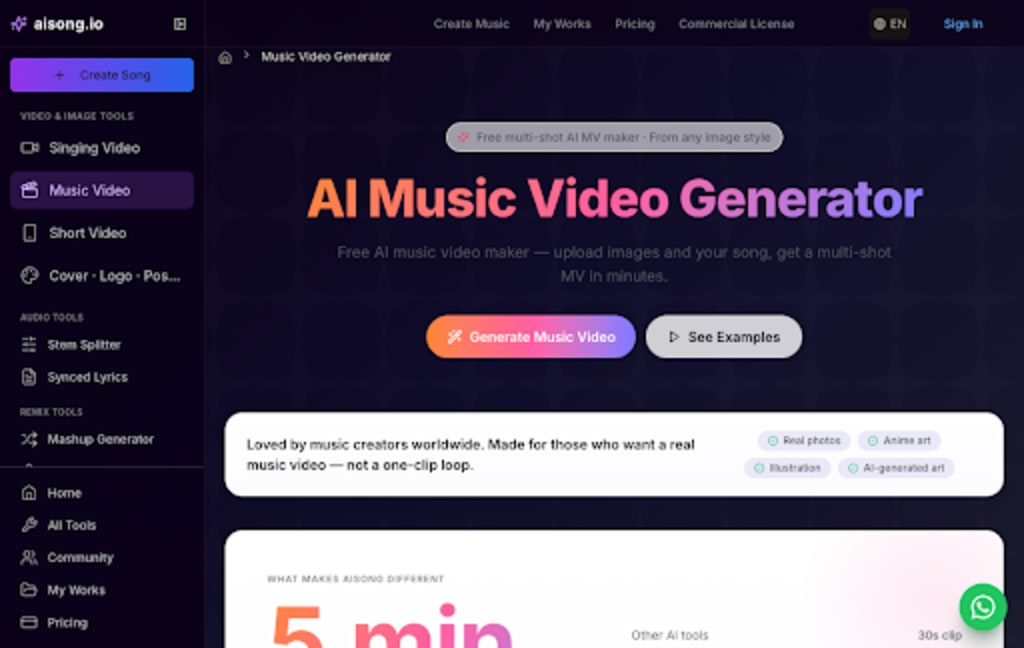
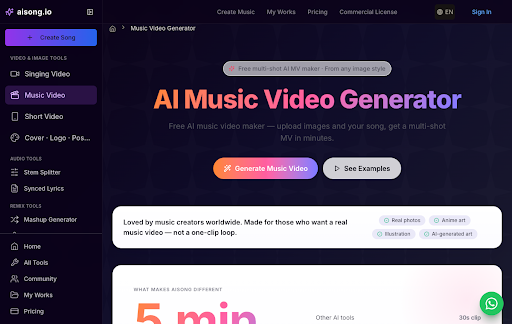
AISong's music-video page explicitly accepts illustrations and other image styles as inputs for a multi-shot video. An artist can upload a small image set with a song and decide whether subtitles or lip sync belong in the finished piece.
The Best Visual Trial
Use the Free AI Music Video Generator for a first proof of concept with one character sheet, one setting, and one accent image. Check whether the figure remains recognizable across shot changes and whether the song's emotional turns receive different visual treatment. Free-to-start access should still be checked against current credits and export terms.
The Illustrator's Tradeoff
AISong offers a multi-shot route that can begin with only a few drawings. Its key test is character and style continuity, not merely whether the output contains many scenes.
2. MakeSong
How It Uses the Artist's Images
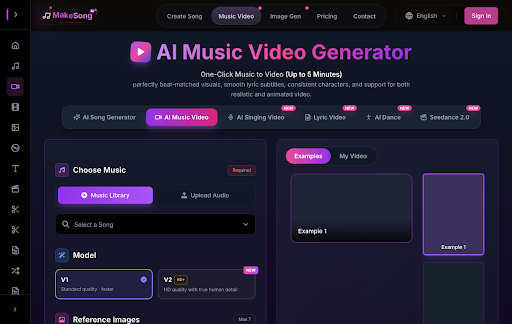
MakeSong is another full music-video route from an existing track and reference images. Its visual workflow is relevant when character consistency, beat-aware scenes, and lyric treatment are central to the illustrated release.
The Best Visual Trial
Brief the AI Music Video Generator with only approved artwork and a short statement of what must not change: face shape, palette, clothing, or emblem. Generate an excerpt before committing the whole song. A visually beautiful output that redesigns the character is a failed test for this audience.
The Illustrator's Tradeoff
MakeSong is appealing when the artist has reference material precise enough to brief a character-led video. The more distinctive the design, the more carefully the first excerpt should be inspected.
3. PlazmaPunk
How It Uses the Artist's Images
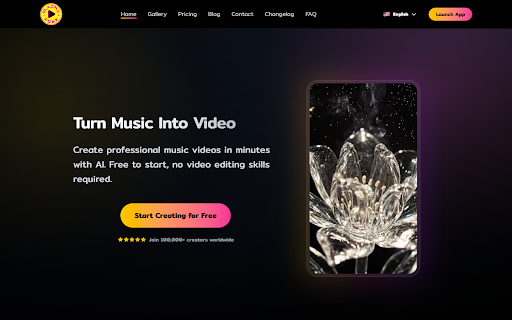
PlazmaPunk can generate a broader visual world around the audio, including scene-level direction. It may be attractive when the artist has a style guide but only a few finished illustrations.
The Best Visual Trial
Try one verse and chorus with the same visual vocabulary. The question is whether the generated scenes extend the world or replace it with an unrelated aesthetic. PlazmaPunk is strongest when the artist welcomes interpretation rather than exact character fidelity.
The Illustrator's Tradeoff
PlazmaPunk may expand a sparse portfolio into a larger world, but that creative freedom can drift from the original style. Decide in advance how much reinterpretation the artist welcomes.
4. WZRD
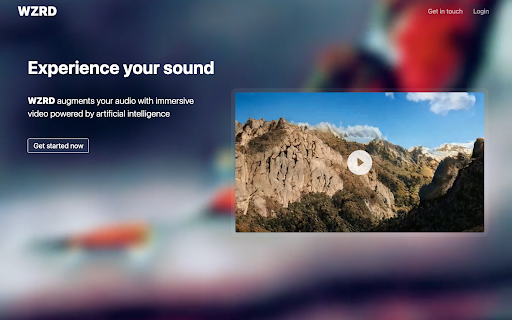
How It Uses the Artist's Images
WZRD converts musical analysis into reactive visuals. It is a different proposition from character animation: the artwork can become the inspiration for motion, color, and atmosphere without asking a drawn person to perform.
The Best Visual Trial
Pair a high-impact song section with a palette drawn from the cover. Review whether the motion reacts to the music while leaving enough attention for the original art. WZRD can be a good fit for instrumental, electronic, or mood-led illustrated releases.
The Illustrator's Tradeoff
WZRD is the audio-reactive alternative when animating a character is unnecessary. It can keep the artwork's palette alive while the music, rather than a performer, drives motion.
5. Rotor Videos
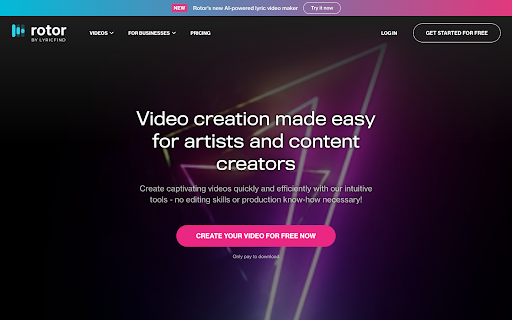
How It Uses the Artist's Images
Rotor Videos can make artwork-led motion assets and conventional music edits from a finished track. For an illustrator, its artwork-video path is useful when the cover already communicates the visual identity.
The Best Visual Trial
Start with the strongest approved piece and test how it moves to the track. A clean animated cover may serve a release better than a complex narrative that changes the characters. Rotor is a practical route when consistent branding matters more than new scenes.
The Illustrator's Tradeoff
Rotor Videos is useful when a finished cover already carries the release identity. A restrained artwork video can preserve a recognizable design better than a complex generated narrative.
Protect the Design Before Adding Motion
AISong and MakeSong offer multi-scene routes from the artist's images; PlazmaPunk can expand a world; WZRD follows the music's dynamics; Rotor Videos can animate approved artwork. Free access is not the same as free final export, and plans may change. More importantly, the chosen tool should preserve the illustrator's identity while making the song easier to experience.
Editorial note: Features, credits, limits, and licensing terms may change. Verify current product pages and plan terms before commercial publication.
About the Creator
Enjoyed the story? Support the Creator.
Subscribe for free to receive all their stories in your feed.
Comments
There are no comments for this story
Be the first to respond and start the conversation.